
Wrong Easypaisa Transfer: How to Get Your Money Back
A wrong Easypaisa transfer can often be reversed if you act fast. This guide covers the CNIC reversal inside the app, the 3737 helpline and SBP escalation.

By Suleman Mirza · Reporter
Published · Updated · 7 min read
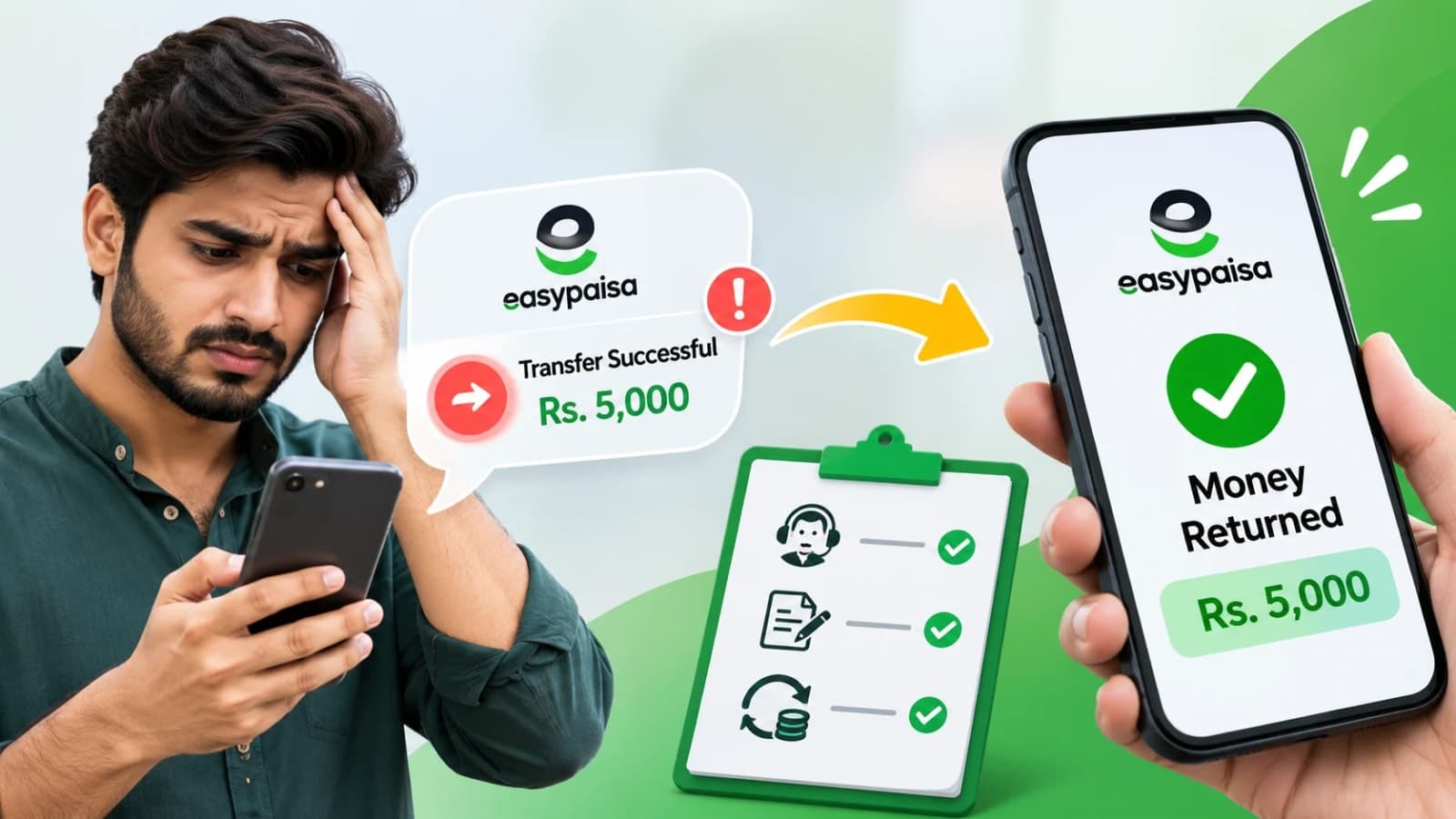
If you have made a wrong Easypaisa transfer, act within the first hour: a transfer sent to a CNIC that nobody has collected yet can be reversed by you inside the app, while a wrong Easypaisa transfer into an account needs an immediate call to the Easypaisa helpline on 3737.
Speed decides almost everything in these cases.
Once the receiver withdraws the money, recovery becomes slower and depends on the receiver agreeing to return it.
The steps below follow the order that gives your money the best chance of coming back.
Quick facts:
Easypaisa helpline: 3737 from a Telenor number, 042-111-003-737 from other networks, open 24 hours
Fastest fix: reverse an uncollected CNIC transfer yourself inside the Easypaisa app
Key proof: the 11 digit transaction ID from your confirmation SMS
Complaint email: [email protected]
Escalation: SBP Sunwai at sunwai.sbp.org.pk, then the Banking Mohtasib
SBP rule: transfer errors must be resolved within 10 business days
Reverse a wrong Easypaisa transfer sent to a CNIC
Easypaisa has one feature that JazzCash users often envy: self reversal for CNIC transfers.
When you send money to a CNIC, the receiver has to collect it.
Until that collection happens, the money is still in the system, and Easypaisa lets the sender correct or reverse the transaction inside the app.
Open the Easypaisa app and tap the support or headphone icon.
Choose Get Help, then select the option named Change Receiver Information on CNIC Transfer.
Enter your PIN, and the app shows your recent CNIC transactions.
Pick the wrong one, correct the receiver details or request the reversal, and confirm.
This route only works for CNIC transfers that are still uncollected.
If the receiver has already taken the money out, the app option will not save you, and you must move to the helpline route below.
Either way, do not wait until tomorrow.
Every hour of delay raises the chance that the money leaves the system.
Wrong Easypaisa transfer to an account: call 3737 at once
Most wrong transfers go to a mobile account or a bank account, and those cannot be reversed inside the app.
Call the helpline immediately: 3737 from a Telenor number, or 042-111-003-737 from any other network.
Tell the agent clearly that you made a wrong Easypaisa transfer and want the amount held and a reversal case opened.
Keep these details in front of you before you dial: your registered number, the transaction ID, the exact amount, and the wrong number you sent to.
The transaction ID is the 11 digit number in the confirmation SMS, and it is the thread the whole case hangs on.
Ask for a complaint number and write it down.
A phone call starts the case, but a written complaint protects it.
The same day, email the complaint number, transaction ID, amount and a screenshot of the receipt to [email protected], or file through the help section of the app.
You can also visit an Easypaisa franchise or service centre with your CNIC and the transaction details.
If you do not get a response within two working days, Easypaisa's own guidance is to call the 24 hour helpline again and quote your complaint number.
What Easypaisa can and cannot do
Understanding the limits saves you from false hope and wasted days.
Easypaisa cannot simply pull money out of another person's account on your word alone.
For account transfers, the bank contacts the receiver, explains the error and seeks the receiver's consent to return the amount.
If the receiver refuses or has already spent the money, the case becomes a formal dispute, and recovery may need an investigation or a legal route.
The State Bank's Electronic Fund Transfer rules do give you real protection.
They require the receiving institution to reverse a transfer once its own customer reports an incorrect credit, and they set an outer limit of 10 business days for resolving transfer errors.
That clock is one more reason to file your complaint in writing on day one.
Failed transactions are a different and easier case.
If a transfer failed but the amount was deducted, the money normally returns automatically, and a helpline call with the transaction ID settles it if it does not.
If Easypaisa does not resolve your wrong Easypaisa transfer
Escalate in order, and keep your complaint number at every step.
First, give Easypaisa its fair chance and its deadline.
If the bank does not respond, or you are unhappy with its answer, file your case on the State Bank's Sunwai portal at sunwai.sbp.org.pk.
Sunwai routes the complaint to the bank under State Bank supervision, and banks answer these cases more carefully than routine calls.
If the matter still stays unresolved, the Banking Mohtasib Pakistan is the next forum for complaints against banks, including Easypaisa's operator, Telenor Microfinance Bank.
Attach the same evidence everywhere: the transaction ID, the SMS, screenshots, your written complaint and the bank's replies.
A tidy file moves faster than a long story.
Habits that prevent the next wrong Easypaisa transfer
Most wrong transfers come from one mistyped digit.
The app shows the receiver's name before you confirm, so read that name every single time, even for people you pay weekly.
Send a small test amount first when paying a new number for a large sum.
Never act on a stranger's urgent request to forward money, and never share your PIN or one time code with anyone who calls you.
Scammers often pose as helpline staff, so remember that Easypaisa never asks for your PIN on a call.
Readers who also use the other big wallet can follow the same recovery order in our guide to getting money back from a wrong JazzCash transfer.
The two services differ in one happy way: only Easypaisa lets you reverse an uncollected CNIC transfer yourself.
Questions people ask about a wrong Easypaisa transfer
How do I reverse a wrong Easypaisa transfer?
If the money went to a CNIC and is still uncollected, reverse it inside the app through the Change Receiver Information on CNIC Transfer option. If it went to an account, call 3737 or 042-111-003-737 at once, report the wrong Easypaisa transfer and take a complaint number.
What is the Easypaisa helpline number?
Dial 3737 from a Telenor number, or 042-111-003-737 from other networks. The helpline works 24 hours, and you will need your transaction ID and registered number when you call.
How long does Easypaisa take to return wrong transfer money?
An uncollected CNIC transfer reversed in the app is the fastest case. Account transfers depend on the receiver's consent, and State Bank rules set an outer limit of 10 business days for resolving transfer errors.
Can Easypaisa recover money the receiver has already withdrawn?
It is harder. The bank will contact the receiver and seek consent to return the amount, and a refusal can turn the case into a formal dispute. This is why reporting a wrong Easypaisa transfer within the first hour matters so much.
Where do I complain if Easypaisa does not help?
First email [email protected] with your complaint number and transaction ID. If the bank still does not resolve it, file on the State Bank Sunwai portal at sunwai.sbp.org.pk, and then with the Banking Mohtasib if needed.
What details do I need to report a wrong Easypaisa transfer?
Keep your registered mobile number, the 11 digit transaction ID from the confirmation SMS, the exact amount, the wrong receiver number and a screenshot of the receipt. The complaint number Easypaisa gives you should be written down and quoted in every follow up.
What happens next for business
We will keep this page updated as the story develops rather than publishing a near-duplicate at a new address. Follow Business for related coverage.
Get the Verified Brief
One email each morning with the stories we checked overnight.
Spotted an error? Read our corrections policy and tell the newsroom.