
Check Electricity Bill Online in Pakistan: 5 Easy Steps
Check electricity bill online in Pakistan in a few easy steps. Learn how to view, download and verify your latest electricity bill using official portals.

By News Desk · Verified Pakistan News Desk
Published · 7 min read
Checking an electricity bill used to mean waiting for the paper bill to arrive at your home. If it went missing, things could get frustrating, especially when the due date was getting close.
Thankfully, that's no longer a big problem. You can check electricity bill online in Pakistan from your mobile phone, laptop, or computer. In most cases, the whole process takes only a couple of minutes.
Whether your electricity is supplied by LESCO, MEPCO, FESCO, IESCO, PESCO, GEPCO, or another distribution company, online billing makes it much easier to find your latest bill. K-Electric customers also have separate digital options available.
Here's how it works.
How to Check Electricity Bill Online in Pakistan
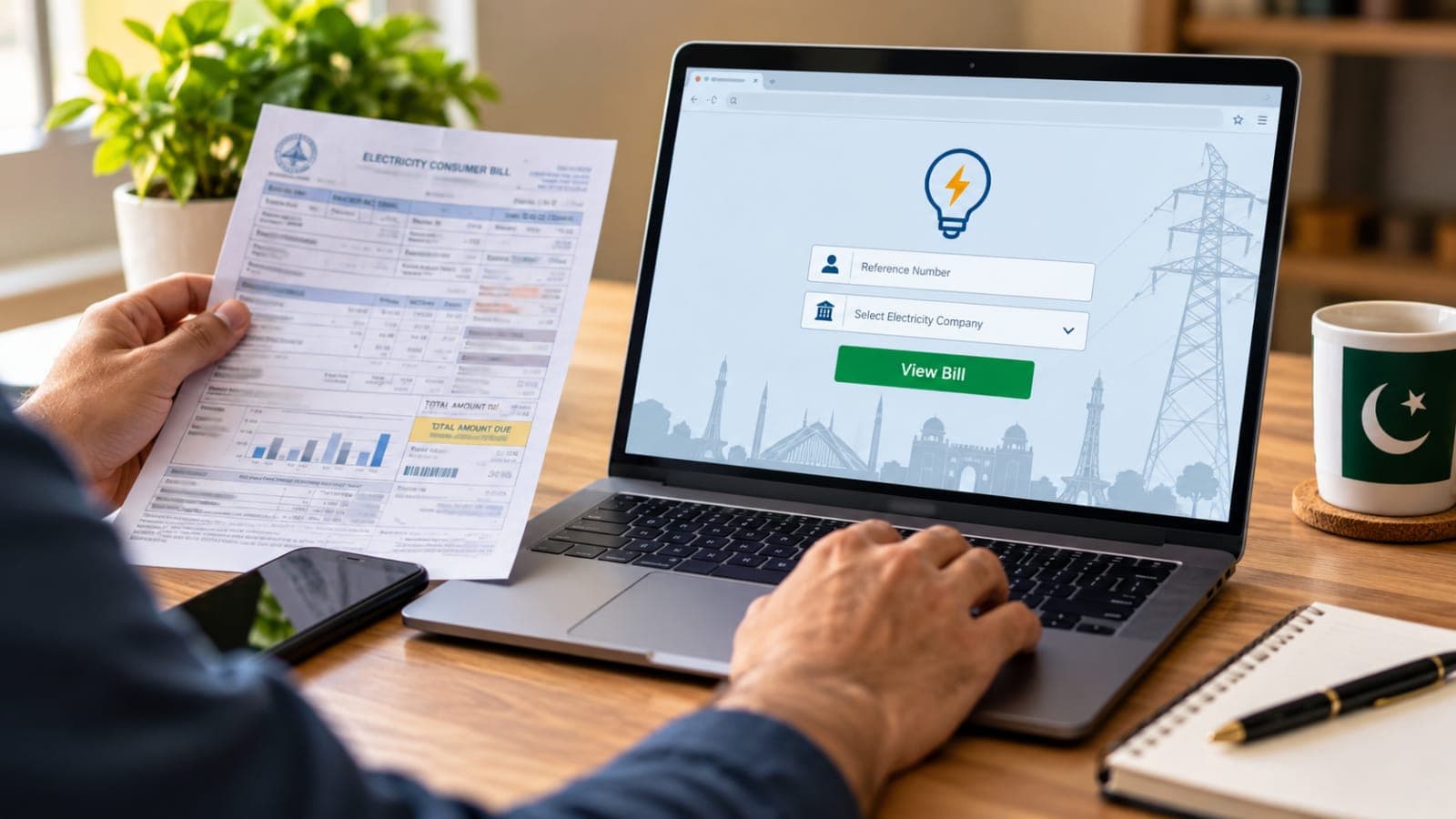
The basic process is quite simple. You'll normally need your electricity company's name and the reference or account number printed on an old bill.
1. Find Your Electricity Distribution Company
First, check which company supplies electricity in your area.
Pakistan has several electricity distribution companies serving different regions. These include LESCO, IESCO, FESCO, MEPCO, GEPCO, PESCO, HESCO, SEPCO, QESCO, TESCO and HAZECO.
PITC's online services cover electricity billing and other consumer services for power distribution companies.
If you live in Karachi or another area served by K-Electric, you'll need to use K-Electric's own digital billing service instead.
2. Keep Your Reference Number Ready
Before opening the online bill service, grab an older electricity bill.
Look for the Reference Number printed on it. This number identifies your electricity connection in the billing system.
It's worth entering the number carefully. Even one incorrect digit can prevent the system from finding the correct consumer record.
PITC's consumer services also use the electricity reference number to identify consumer records.
3. Visit the Official Online Bill Service
The safest approach is to use the official website of your electricity provider or PITC's electricity billing service.
PITC lists View Electricity Bill among its official online services.
Avoid entering your consumer information on random websites when an official service is available.
4. Enter Your Consumer Details
Once you've opened the appropriate billing page, enter the requested reference or account details.
Double-check the digits before submitting the form. If the information matches the billing record, you should be able to access the available bill information.
Your bill can contain useful details such as the billing month, electricity consumption, payable amount, due date, and applicable charges.
5. View or Save Your Electricity Bill
Once your bill appears, check the consumer details to make sure you've opened the right record.
You can then keep a digital copy for your records or use the available print option if you need a paper copy.
This is particularly useful when the original bill hasn't arrived and the payment deadline is close.
How to Check K-Electric Bill Online
The process is slightly different for K-Electric customers.
K-Electric provides a dedicated Digital Bills & Payments service where customers can access their bills online. Its official website also offers e-billing and digital payment options.
K-Electric Digital Bills & Payments
K-Electric says customers can retrieve duplicate bills through its website, KE Live app, WhatsApp and SMS services. Its digital platforms maintain up to six months of billing records, according to the company's FAQ.
For SMS users, K-Electric says registered customers can send BILL to 8119. Customers who aren't registered can send BILL followed by their 13-digit account number.
Can I Check My Electricity Bill Without the Paper Bill?
Yes, provided you already have the required consumer information.
The easiest option is to save a photo of an older bill on your phone. That way, your reference or account number is always available when you need to check the next bill.
If you've completely lost your consumer details, you may need to contact your electricity provider for assistance.
Why Isn't My Online Electricity Bill Showing?
Don't panic if the bill doesn't appear on the first try.
Start by checking the reference number again. A mistyped digit is an easy mistake to make.
There can also be situations where you're checking before the latest bill has become available through the relevant billing service. Try again later if you're confident that the consumer details are correct.
If the problem continues, use your electricity company's official customer support channel instead of repeatedly submitting information to unofficial websites.
Is It Safe to Check an Electricity Bill Online?
Yes, but where you enter your details matters.
Stick to official electricity company websites and recognized government or utility billing portals. Be careful with unfamiliar links sent through social media, WhatsApp messages, emails, or pop-up advertisements.
PITC itself has published security warnings about suspicious emails and harmful files, so basic online caution is well worth it.
Can I Pay My Electricity Bill Online Too?
Checking the bill and paying it are two different steps, but online payment is widely available through supported banking and utility payment channels.
For example, K-Electric says customers can make digital payments through supported bank accounts and debit or credit cards. It also lists internet banking, mobile banking, bank branches and ATMs among available payment channels.
For other electricity companies, check the payment options shown by your provider or your bank before completing a transaction.
Always confirm the consumer name, account or reference number, and payable amount before pressing the final payment button.
Benefits of Checking Your Electricity Bill Online
Online billing is handy for more than simply replacing a missing paper bill. You can check the payable amount before heading out, confirm the due date, keep digital records, and access billing information when you're away from home.
It can be especially useful for people managing bills for parents, rented properties, shops, offices, or homes in another city.
And, of course, there's no need to wait around wondering whether the paper bill will turn up.
Frequently Asked Questions
How can I check electricity bill online in Pakistan?
Identify your electricity distribution company, open its official online billing service, enter the required reference or account number, and view the available bill details.
What information do I need to check my electricity bill?
For many distribution companies, you'll need the reference number found on an older electricity bill. K-Electric customers may be asked for their KE account details when using its digital services.
Can I download a duplicate electricity bill online?
Online services allow consumers to access bill copies. K-Electric, for example, officially provides duplicate bills through its website, KE Live app and WhatsApp service.
Can I check my electricity bill on a mobile phone?
Yes. Official billing websites can be accessed using an internet-connected smartphone. Some providers also offer apps, SMS, or WhatsApp services. K-Electric currently supports several of these digital options.
What should I do if I enter the correct reference number but no bill appears?
Check the number once more and try again later. If the issue continues, contact your electricity distribution company's official customer service channel.
Final Words
Learning how to check electricity bill online in Pakistan can save you a surprising amount of hassle. You don't have to depend entirely on a paper bill arriving at your doorstep, and a missing bill doesn't have to turn into a last-minute headache.
Keep your reference or account number somewhere safe, use your provider's official billing service, and check the consumer details before making a payment.
It takes only a few minutes, and once you've done it the first time, checking next month's electricity bill is usually a piece of cake.
What happens next for national
We will keep this page updated as the story develops rather than publishing a near-duplicate at a new address. Follow National for related coverage.
Get the Verified Brief
One email each morning with the stories we checked overnight.
Spotted an error? Read our corrections policy and tell the newsroom.