

National Savings Digital Account: 7 Key Setup Steps Now
A National Savings Digital Account gives users a virtual-branch route to digital products, transfers and account services. The safest starting point is the official National Savings page, which links directly to the authorised account-opening portal.

By News Desk · Verified Pakistan News Desk
Published · 3 min read
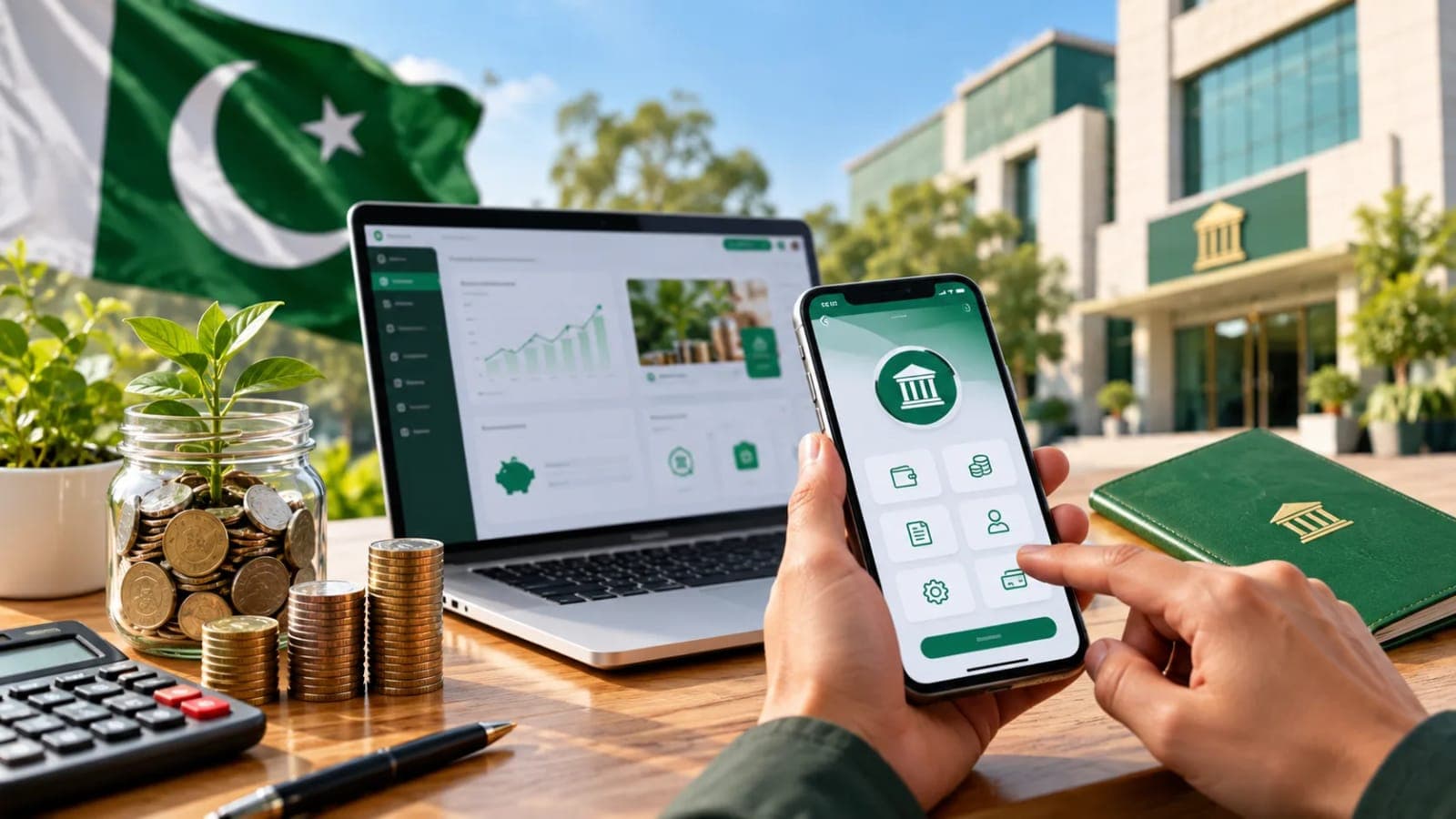
What the digital account provides
Virtual branch access
National Savings rules define a digital account as an account maintained on a virtual branch. The official digital service supports account opening, product purchase, transfers, bill payment, investment calculations and complaint management through approved channels.
Use the correct portal
Begin at savings.gov.pk/national-savings-digital and follow its link to account.nationalsavings.digital. Do not search for a lookalike app or use a link sent by an unknown caller. Bookmark the official page after checking the spelling and secure connection.
Seven safe setup steps
Account opening sequence
One: open the official National Savings Digital page. Two: follow the account-opening link. Three: enter identity and contact details exactly as requested. Four: complete verification. Five: create strong login credentials. Six: set the financial PIN privately. Seven: sign in and review limits, products and beneficiary controls before funding.
Prepare before starting
Keep your valid identity document, a mobile number and an email address you control. Use a private device and trusted connection. The portal may request additional KYC or verification information; respond only inside the official workflow.
Adding a beneficiary and making a transfer
Beneficiary checks
The official guide directs users to Transfers, then To Other Bank Accounts, then Add Beneficiary. Choose account number or IBAN, enter the details and confirm that the system-detected account title matches the intended recipient before saving with the financial PIN.
Payment confirmation
Select the saved beneficiary, enter the purpose and amount, review the confirmation screen and approve with the financial PIN. Save the receipt, but remember that a screenshot is a record, not permission to ignore an incorrect account title.
Products security and support
Digital products
National Savings provides guides for purchasing digital products and calculating investments. Read the product rules, profit payment schedule, tax treatment and encashment terms before purchase. Digital access does not change the underlying financial risk or product conditions.
Protect the account
Never share an OTP, password or financial PIN. Enable device security and transaction alerts, log out on shared devices and report unexpected activity immediately. The official page lists [email protected] and +92 51 111 728 464 for app and internet-banking queries.
Common problems and practical fixes
Account opening queries
For account-opening questions, the official page lists [email protected] and says replies may take up to seven working days. Include the problem and safe reference details, but do not email passwords, PINs or full card credentials.
Service interruptions
The official site has displayed notices about interbank transfer failures, which is a reminder to check account status before retrying. Repeated submissions can create confusion. Record the reference, wait for the stated resolution window and use in-app complaint management if needed.
Frequently asked questions
What is the official opening link?
Start at savings.gov.pk/national-savings-digital and follow its link to account.nationalsavings.digital.
Can I transfer to another bank?
The official app guide includes IBFT transfers through saved beneficiaries.
What support email covers account opening?
The official page lists [email protected].
Should I share my financial PIN with support?
No. Never share a PIN, OTP or password.
Can I buy National Savings products digitally?
The official service provides digital product purchase guides; check current availability and product rules in the app.
What happens next for business
We will keep this page updated as the story develops rather than publishing a near-duplicate at a new address. Follow Business for related coverage.
Get the Verified Brief
One email each morning with the stories we checked overnight.
Spotted an error? Read our corrections policy and tell the newsroom.