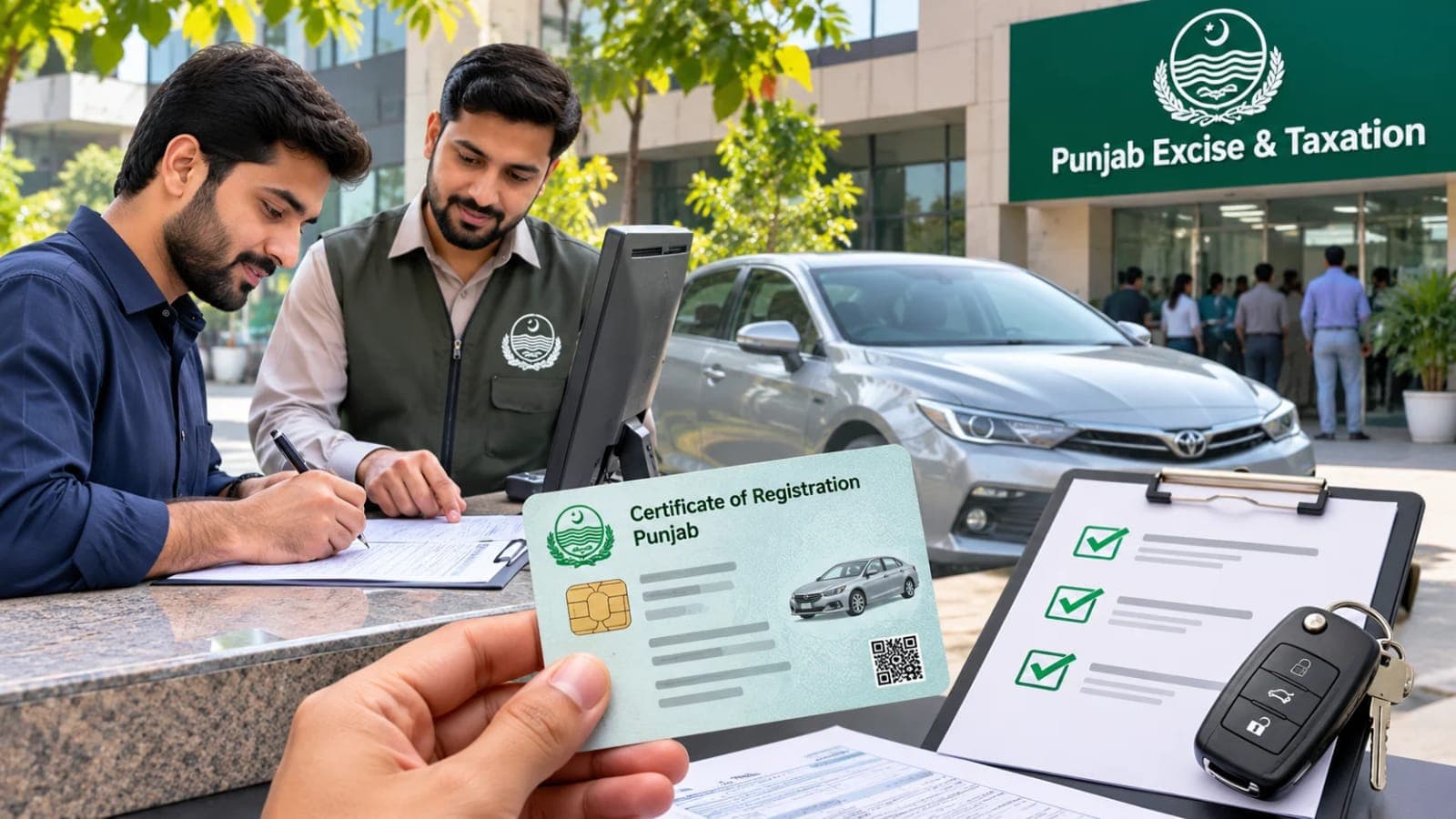

Pay E Challan Online in Punjab: PSID and Payment Steps
You can pay e challan online in Punjab in minutes once you have the PSID. This guide covers ePay Punjab, bank apps, wallets, ATMs and late payment risks.

By Suleman Mirza · Reporter
Published · Updated · 7 min read
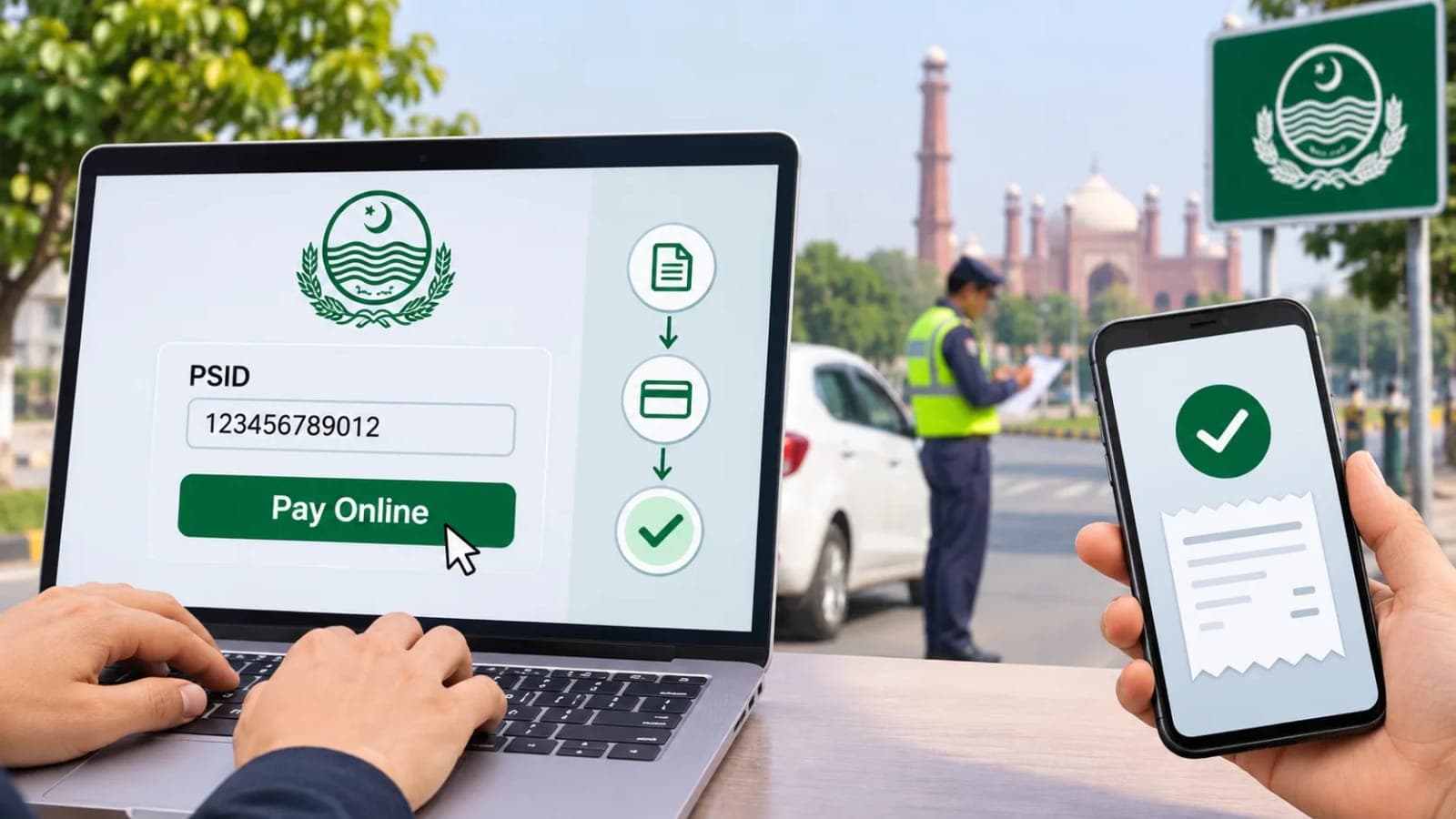
To pay e challan online in Punjab, you need one thing first: the 17 digit PSID, which you generate in the ePay Punjab app, and then the same PSID works in any bank app, JazzCash, Easypaisa, ATM or bank branch.
An e-challan is the electronic fine issued by Safe City cameras.
It is sent to the vehicle owner with photo evidence of the violation.
Checking the challan and paying it are two separate steps.
This guide covers only the payment side, from PSID to receipt.
Follow it once and you will pay e challan online without help next time.
Quick facts before you pay:
PSID: a 17 digit payment slip number, unique to each challan set.
App: ePay Punjab, built by the Punjab Information Technology Board.
Website: epay.punjab.gov.pk.
Challan record: echallan.psca.gop.pk, run by the Punjab Safe Cities Authority.
Payment channels: bank apps, JazzCash, Easypaisa, 1Link ATMs and bank branches.
Cash to a traffic warden on the road: never allowed.
Time for payment to show in the record: usually 24 to 48 hours.
Step one: generate your PSID in the ePay Punjab app
Every route to pay e challan online starts with the PSID.
Download the ePay Punjab app and register with your mobile number.
Open the Punjab Police section on the home screen.
Choose E-Challan (Safe City) for camera issued fines.
Enter your vehicle registration number in the shown format.
Enter the owner CNIC without dashes, or the chassis number.
Press search, and all unpaid challans on the vehicle appear.
Each entry shows the violation, place, date and amount.
Select the challans you want to settle, or select all.
Tap Generate Challan, and the app creates your PSID.
Note the PSID or save a screenshot before you move on.
One PSID can cover several selected challans in a single payment.
Without this number, no channel can pay e challan online for you.
Pay e challan online through your bank app or wallet
With the PSID ready, pay e challan online from the app you already use.
In mobile banking, open bill payments and choose Government of Punjab.
Many bank apps list this biller as GoPb in the payment menu.
Enter the PSID, and the exact amount appears on screen.
Check the vehicle number and amount before you confirm.
In JazzCash, open More, then Government Payments, then Traffic Challan.
Select Punjab, enter the PSID, and confirm with your MPIN.
Easypaisa follows the same pattern under government payments.
The amount is fixed by the challan and cannot be edited.
Never pay a different figure quoted by any agent or website.
Your receipt and transaction ID are proof of payment, so save both.
Pay e challan online is not the only route: ATM, branch and centres
Some drivers prefer machines or counters to pay e challan online alternatives.
At any 1Link ATM, choose bill payment and then traffic challan.
Enter the PSID, verify the amount, and keep the printed slip.
At a bank branch, take the PSID and your CNIC to the counter.
The teller takes the payment against the PSID and stamps your receipt.
In Lahore and other cities, e-Khidmat Markaz centres also collect e-challan payments.
Carry the PSID and the vehicle details when you visit a centre.
All channels charge the same challan amount and nothing extra.
Anyone demanding a processing fee is not part of the system.
If you have not yet seen your challan details, our guide to check traffic challan online in Punjab shows the PSCA portal search first.
Lahore drivers: warden tickets are paid the same way
Lahore has two kinds of traffic fines, and both end at a PSID.
Safe City camera fines are the e-challans covered above.
Tickets written by City Traffic Police Lahore wardens are paper challans.
In the ePay Punjab app, these sit under Traffic Challan, not Safe City.
Open Punjab Police, choose Traffic Challan, and fetch your ticket.
The app then generates a PSID for that ticket as well.
Highway fines appear under PHP Challan in the same section.
After that, the payment channels are exactly the same.
So one app and one PSID method clear every Punjab fine.
Keep receipts until the record shows the challan as paid.
What happens if you do not pay on time
An unpaid e-challan does not expire or disappear with time.
It stays due against the vehicle in the Safe City record.
PSCA can place vehicles with unpaid challans on its blacklist.
A blacklisted vehicle can be stopped and impounded by traffic police.
The owner can also face legal action under the Motor Vehicles Ordinance.
Unpaid fines surface again at token tax and transfer time.
That is why sellers and buyers both check challans before a deal.
Paying late costs the same amount, but the risk keeps growing.
Drivers who pay e challan online within days avoid all of this.
And remember, no officer may take the fine in cash on the road.
The fine is deposited only through the PSID channels above.
After payment: confirm that your challan is cleared
Payment and clearance are not instant, so do not panic.
Banks and wallets settle with the government system in batches.
The PSCA record usually updates within 24 to 48 hours.
Most people who pay e challan online see the status clear in two days.
After two days, search your vehicle on echallan.psca.gop.pk again.
The paid challan should no longer appear in the unpaid list.
If money left your account but the challan still shows due, act fast.
First confirm the successful transaction with your bank or wallet.
Then share the receipt and PSID with PSCA through its portal.
Keep your receipt safe until the status changes to paid.
That receipt is your only proof if a dispute opens later.
Questions people ask about paying e-challans
How do I pay e challan online in Punjab?
Generate the 17 digit PSID in the ePay Punjab app under Punjab Police, E-Challan (Safe City). Then pay e challan online through your bank app, JazzCash, Easypaisa, a 1Link ATM or a bank branch using that PSID.
What is a PSID and where do I get it?
A PSID is the 17 digit payment slip ID for government payments in Punjab. For Safe City fines, you generate it in the ePay Punjab app after selecting your unpaid challans. Warden tickets also get a PSID in the same app under Traffic Challan.
Can I pay my e-challan through JazzCash or Easypaisa?
Yes, both wallets accept the PSID under government payments or traffic challan. Enter the PSID, check the fetched amount, and confirm with your MPIN or PIN. Save the transaction ID as your receipt.
Can I pay the fine in cash to the traffic warden?
No, wardens are not authorised to collect e-challan fines in cash. Every fine is paid through the PSID in a bank app, wallet, ATM or branch. Anyone asking for cash on the spot is not following the legal process.
How long does an e-challan payment take to show as paid?
The PSCA record usually updates within 24 to 48 hours of payment. Search your vehicle on echallan.psca.gop.pk after two days to confirm. Keep your receipt until the challan leaves the unpaid list.
What happens if I never pay my e-challan?
The fine stays due against your vehicle, and PSCA can blacklist the vehicle. A blacklisted vehicle can be stopped and impounded, and the owner can face legal action. It is always cheaper and safer to pay e challan online on time.
What happens next for punjab
We will keep this page updated as the story develops rather than publishing a near-duplicate at a new address. Follow Punjab for related coverage.
Get the Verified Brief
One email each morning with the stories we checked overnight.
Spotted an error? Read our corrections policy and tell the newsroom.