

Official FBR Tax Filer Registration Guide: IRIS 2.0 Steps
Complete your FBR tax filer registration online in Pakistan using the IRIS 2.0 portal, file Form 114 income tax returns, and verify Active Taxpayer List status.

By News Desk · Verified Pakistan News Desk
Published · 1 min read
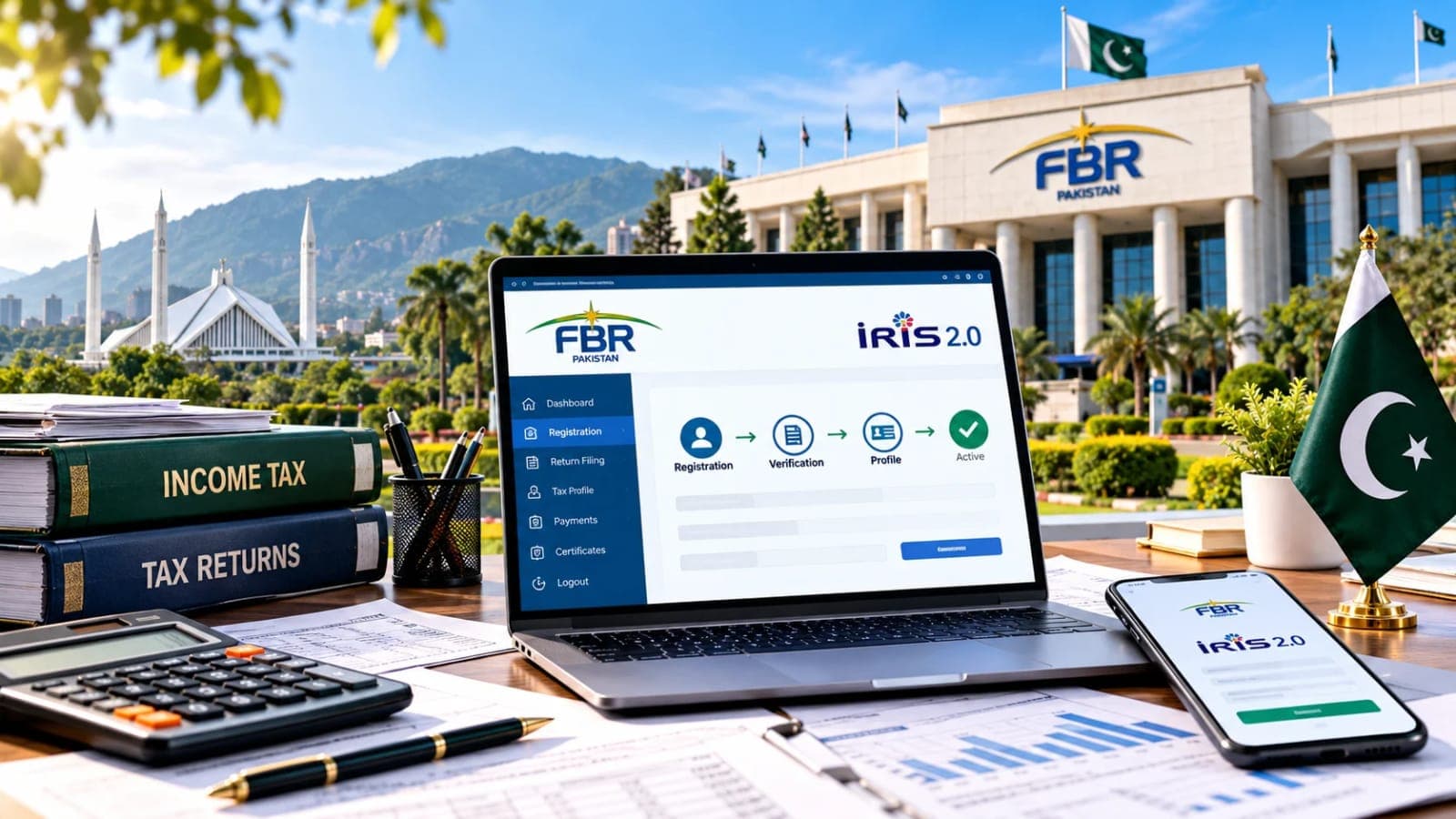
Completing your FBR Tax Filer Registration is essential for active taxpayer status in Pakistan. Citizens can easily complete their registration process online using official digital portals to gain tax benefits and lower withholding rates across financial transactions.
How to Complete FBR Tax Filer Registration Online
The Federal Board of Revenue provides a streamlined e-Enrollment process via the FBR IRIS Portal. Applicants only need a valid 13-digit CNIC and mobile number registered under their name to register. Visit the official FBR Income Tax Registration Page to initiate your account creation and obtain your National Tax Number (NTN) seamlessly.
Essential Steps for Active Taxpayer List (ATL) Status
- Access IRIS 2.0 portal and enter your 13-digit CNIC details to generate login credentials.
- File Form 114 Income Tax Return along with the mandatory Wealth Statement for the tax year.
- Verify active status on Active Taxpayer List (ATL) by sending text ATL [CNIC] to 9966.
Becoming an active tax filer on Verified Pakistan ensures lower withholding tax rates on banking transactions, property sales, and vehicle registration fees.
What happens next for business
We will keep this page updated as the story develops rather than publishing a near-duplicate at a new address. Follow Business for related coverage.
Get the Verified Brief
One email each morning with the stories we checked overnight.
Spotted an error? Read our corrections policy and tell the newsroom.