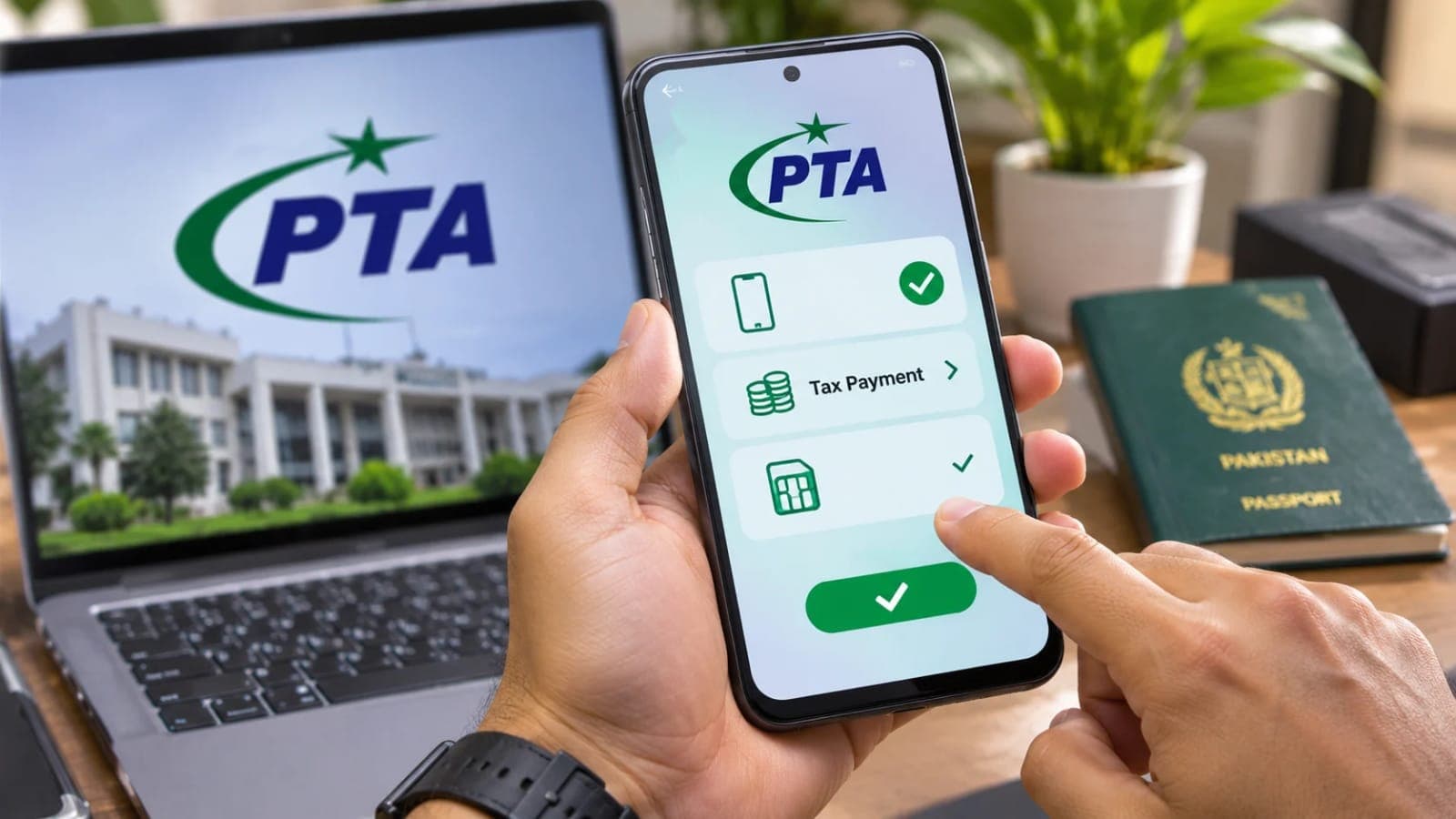

SIMs on CNIC: Check How Many SIMs Are Registered on Your ID
Check SIMs on CNIC by SMS to 668 or on cnic.sims.pk, learn the 8 SIM limit, and find out how to remove an unknown SIM from your name.

By News Desk · Verified Pakistan News Desk
Published · 5 min read
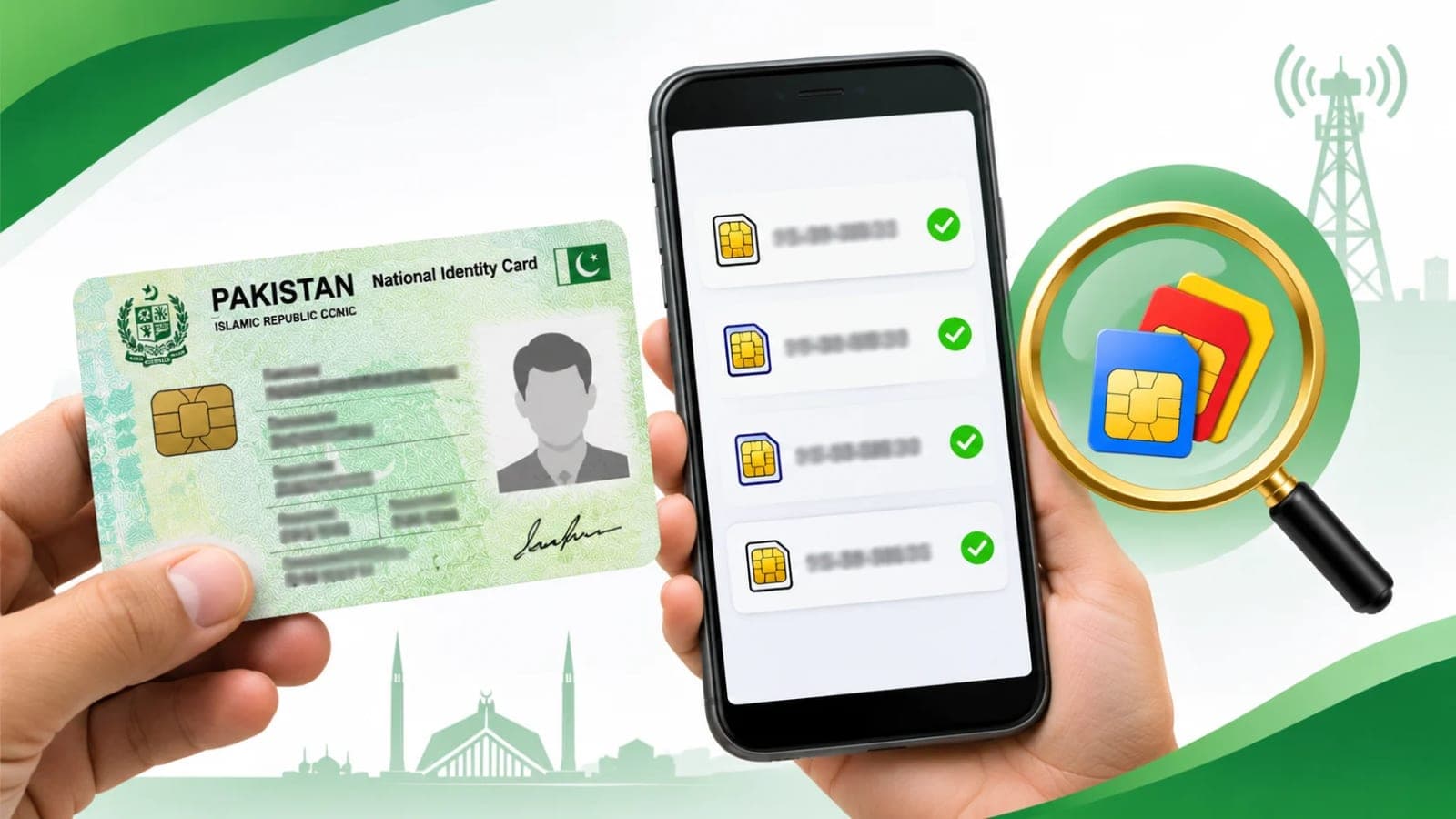
SIMs on CNIC can be checked in a minute, and every mobile user in Pakistan should do it. PTA says the person whose name a SIM is registered under is responsible for its use or misuse. That is a serious matter, because fraudsters take SIMs on other people's CNICs and thumbprints and use them in fraud. A quick check can save you from that trouble. This guide explains how to check, what the limit is, and what to do if you find a SIM you never took.
How to Check SIMs on CNIC by SMS to 668
The fastest way to check SIMs on CNIC is by SMS. Send your 13-digit CNIC number, without dashes or spaces, by SMS to 668. The reply gives the total number of SIMs on your CNIC and the name of each mobile company. Charges may apply for the SMS. An old PTA release said the cost was about Rs2 per SMS, but PTA has not stated the current amount. Any basic phone can send the message.
You can also check online at cnic.sims.pk. Open the website, enter your CNIC number and the captcha code, and press Submit. Foreign nationals should use the Foreign ID option on the same website instead of the CNIC option. Once you have the result, compare the count with the SIMs you actually use. If the number is higher than the SIMs in your hand, something is wrong, and you should act at once.
SIMs on CNIC: The 8 SIM Limit and What the Reply Shows
PTA says a maximum of 8 SIMs on CNIC is allowed for personal use. Out of these, 5 can be voice SIMs and 3 can be data SIMs. If the reply shows more than 8, or shows a company you never used, that is a warning sign. It may mean someone took a SIM on your CNIC without your knowledge. Either way, you should not leave it as it is. An unused SIM in your name is a risk, because any misuse will be traced back to you.
If you find an unknown SIM, go to that company's customer service centre or authorised franchise with your original CNIC. Tell the staff that you did not take this SIM and you want it removed, or disowned, from your CNIC. You must be present yourself, because the next step needs your own thumbprint.
To remove unknown SIMs on CNIC, the company must verify you through biometric verification on the centre's machine, called MBVS. Never give a thumbprint on paper. Also note that a SIM cannot be removed within 60 days of its issuance, so a very new SIM may need a short wait. Once the process is done, take a copy of the complaint or undertaking form and keep it safe. That paper is your proof that you asked for the SIM to be removed.
After a few days, check SIMs on CNIC again by SMS to 668 or on cnic.sims.pk to see that the count has dropped. The removal may take a few days to show in the system. If the count is still the same after a reasonable time, go back to the centre with your copy of the complaint form and ask about the status. A written record makes it much harder for anyone to ignore your case.
If the company does not remove the SIM, complain to PTA about SIMs on CNIC. You can complain on complaint.pta.gov.pk, on the PTA CMS app, or on toll-free 0800-55055. Give your CNIC number, the date of your centre visit, the company name, and the centre name and address. Keep a note of your complaint number as well.
Elderly or disabled people whose biometrics fail can also get SIMs on CNIC verified administratively at a customer service centre or a selected franchise, as per PTA. If an old parent or relative cannot give a clear thumbprint, take them to the centre and ask for this option by name.
Make it a habit to check SIMs on CNIC every few months, including for elderly women at home even if they do not use a phone. When you give a CNIC photocopy anywhere, write on it what it is for, so it cannot be used for another purpose. Never leave unused SIMs in your name, and close any SIM you no longer use.
When a person dies, the SIMs on CNIC of the deceased get blocked. A blood relative can transfer a number to their own name if they need to keep it. Jazz does this free in 2 working days, with the death certificate, the FRC, the heir's original CNIC, and the SIM itself. Do not keep using a dead person's SIM, because it will stop working.
How do I check SIMs on CNIC free of cost?
Send your 13-digit CNIC number, without dashes or spaces, by SMS to 668. You can also check on cnic.sims.pk with your CNIC number and captcha.
What should I do if I find an unknown SIM on my CNIC?
Go to that company's customer service centre or authorised franchise with your original CNIC. Ask for the SIM to be removed, or disowned, from your CNIC after biometric verification on the MBVS machine.
How many SIMs on CNIC are allowed?
A maximum of 8 SIMs per CNIC for personal use is allowed, out of which 5 can be voice SIMs and 3 can be data SIMs.
How do I complain if the company does not remove the SIM?
Complain to PTA on complaint.pta.gov.pk, on the PTA CMS app, or on toll-free 0800-55055, giving your CNIC number, date of centre visit, company name, and centre name and address.
Can a deceased person's SIM be transferred to a relative?
Yes, the SIMs on the deceased person's CNIC get blocked, and a blood relative can transfer a number to their own name. Jazz does this free in 2 working days with the death certificate, FRC, heir's original CNIC, and the SIM itself.
What happens next for tech
We will keep this page updated as the story develops rather than publishing a near-duplicate at a new address. Follow Tech for related coverage.
Get the Verified Brief
One email each morning with the stories we checked overnight.
Spotted an error? Read our corrections policy and tell the newsroom.