
CNIC Renewal: Renew Your Smart CNIC Online in 2026
CNIC renewal can now be done from home through NADRA's Pak ID app. This guide explains the online steps, fees, tracking and what to do if your application is rejected.

By News Desk · Verified Pakistan News Desk
Published · Updated · 6 min read
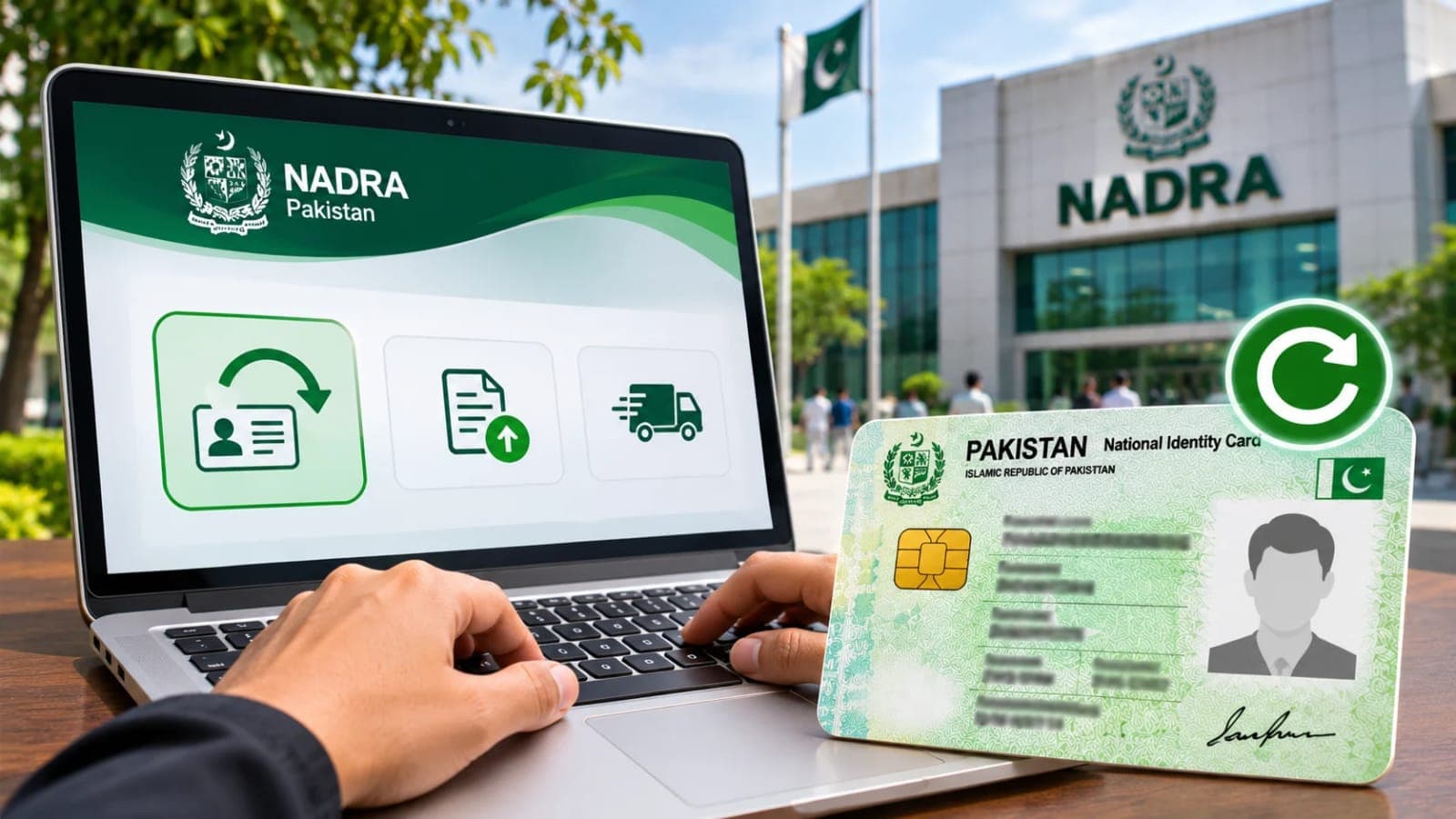
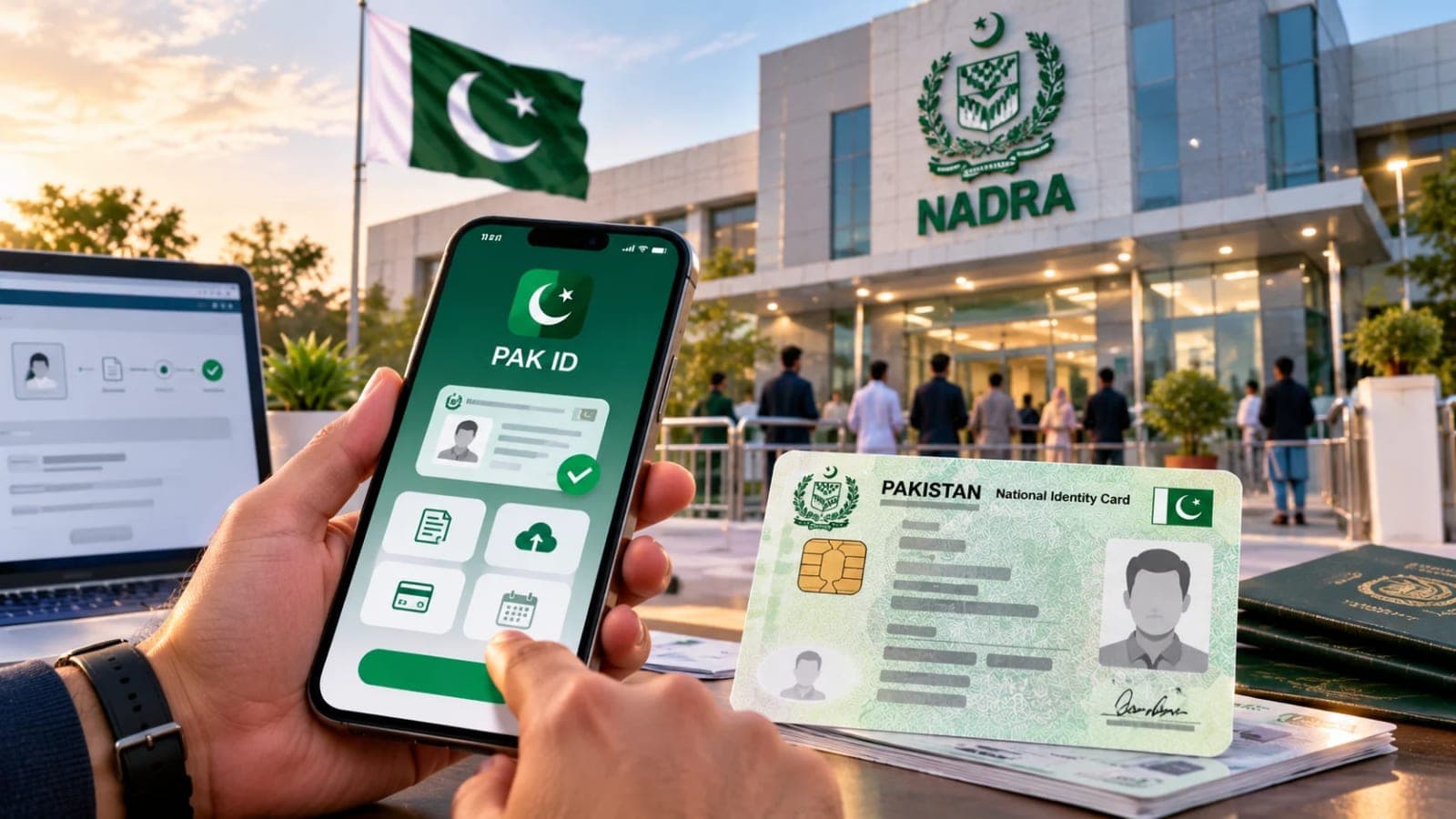
CNIC renewal is one of those jobs that most people put off until the card has already expired. NADRA has made the process much simpler than it used to be. If your Smart CNIC has expired, you can usually renew it from home through the official Pak ID app, with no need to visit a NADRA office. Photo, fingerprints and signature are given in the app, the fee is paid online after approval, and the new card arrives by courier.
NADRA's registration policy says a CNIC renewal application must be made within one month of the card expiring, so do not leave it for months. NADRA said on 9 April 2026 that a fine for late renewal is not yet in force, but it may apply after June in the next financial year. There is another risk in waiting too long: SIMs registered on an expired card can be blocked at any time. From age 60, NADRA issues a lifetime card.
CNIC Renewal Through the Pak ID App
Download the app called Pak Identity from Google Play or the App Store. Check the publisher is NADRA, because similar apps are not official. Register with your mobile number and email address. Once you are in, tap ID Documents, then tap ID card. Choose Myself for yourself, or My Blood Relatives for a parent, sibling, spouse or child. Then tap Renew to start the CNIC renewal. If something on the card also needs to change, choose the update option instead of Renewal.
The app will then ask for your photo, fingerprints and signature to complete your CNIC renewal. Take the photo in good light against a plain background, looking straight at the camera, with no cap and no dark glasses. A bad photo is a common reason for rejection, so take your time with this step. Next, scan your fingerprints with the camera as instructed on screen, after washing hands. Then sign on the screen with your finger.
Choose the delivery address. You can pick your temporary address, your permanent address or another address, or collect the card from a NADRA centre. Then choose Normal, Urgent or Executive and tap Start Application. If you picked Normal or Urgent, you can later upgrade to Executive by paying the difference. Submit the CNIC renewal application and upload any document the app asks for. Save your Tracking ID for status checks and complaints. NADRA first does background checking and approval, then a Pay Now button appears.
Pay by debit or credit card, Raast ID, or a mobile wallet such as Easypaisa or JazzCash. After paying, press Verify Payment and download the receipt. Keep the receipt as proof of payment for the CNIC renewal. There is no cash on delivery for the card. The courier will call before delivering, so keep your phone on. If the courier cannot reach you for three days, the card goes to the nearest NADRA office.
CNIC Renewal Fees and Delivery Times
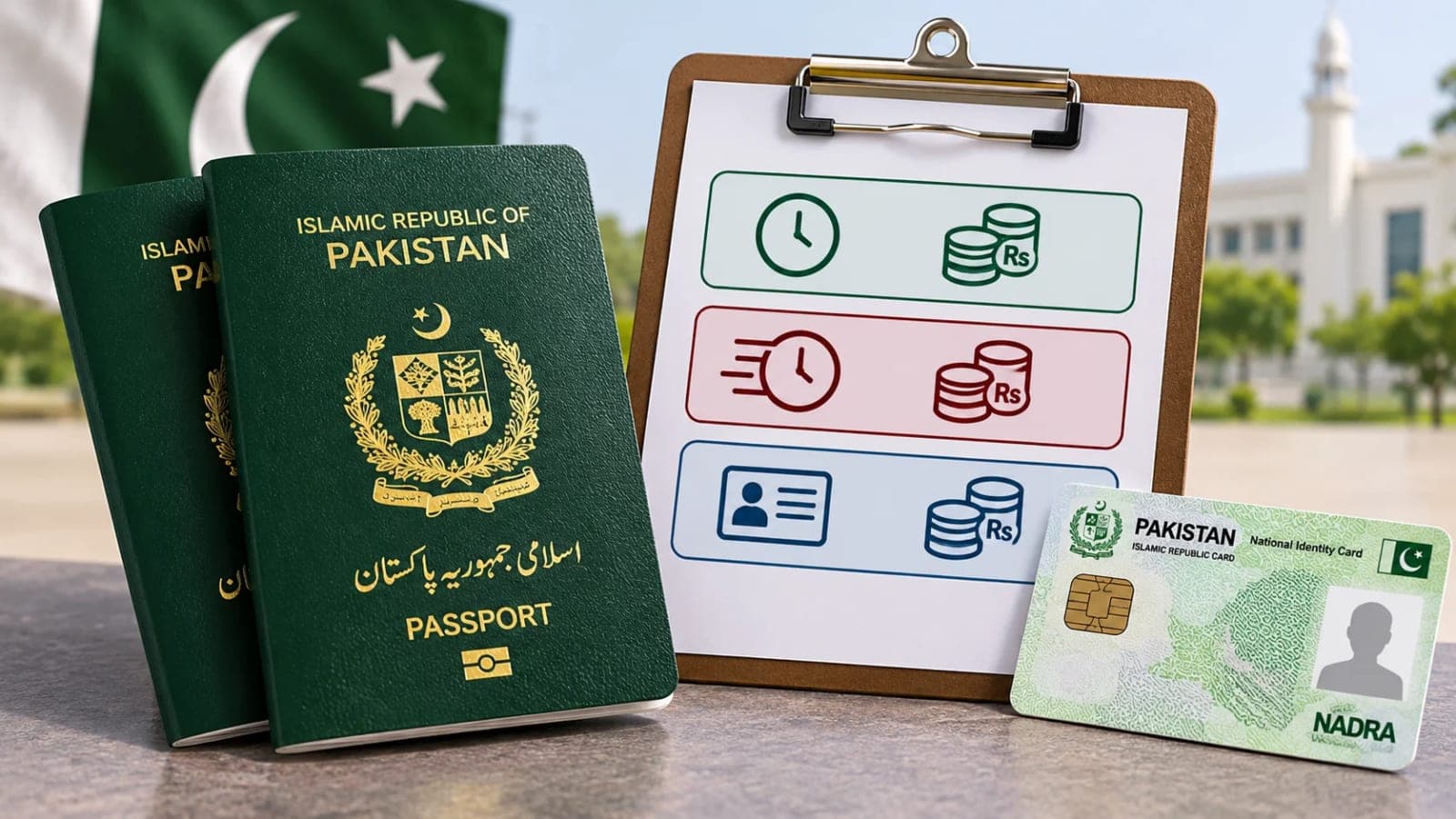
The fee depends on the card and the speed you choose. For a Smart CNIC renewal, Normal costs Rs750 and takes 31 days, Urgent costs Rs1,500 and takes 23 days, and Executive costs Rs2,500 and takes 9 days. For the old non-smart CNIC, Normal costs Rs400 and takes 15 days, Urgent costs Rs1,150 and takes 12 days, and Executive costs Rs2,150 and takes 6 days. Home delivery inside Pakistan costs Rs165 extra. These are NADRA's fees as of 4 November 2026; check nadra.gov.pk before you pay.
You can track your CNIC renewal application in the Pak ID app. Open Tracking in Application, enter your Tracking ID and PIN Code, and press Get Details. The status and every step show with date and time. NADRA also sends an SMS and email when the application is submitted and when the card is printed. Use the Tracking ID for status checks, not the CNIC number. Questions? Call 1777 from a mobile, or +92 51 111 786 100, 24 hours a day.
CNIC Renewal at a NADRA Centre
If you prefer to go to a centre, you can apply for CNIC renewal at any NADRA Registration Centre. Take a Queue Matic token at reception, then a token from the One Window counter and wait. Give the staff the old original card. NADRA punches or marks the photo of the old card and returns it to you. If the card is not available, you sign a system-generated undertaking.
Staff then take your photo, fingerprints and signature. After data entry and verification, the officer in charge interviews and approves you. Choose your category and pay the fee. Cash payment is possible at the centre. Keep the receipt or token slip with the Tracking ID.
If your CNIC renewal application is rejected, NADRA sends the reason and guidance by email, so check your inbox and spam folder. You can also tap the Tracking ID in the Pak ID app. If a document is asked for, upload it in Pak ID under NADRA Miscellaneous Services. If you paid the Executive fee and the card still has not come, usually a document is missing or wrong, and the case officer will contact you by email or phone. For a complaint, use the NCCMS portal at complaints.nadra.gov.pk with your Tracking ID, CNIC number and screenshots, or call 1777.
If anything on the card must change, choose Modification, not Renewal. A first CNIC cannot be made fully online: a blood relative can start it from their Pak ID account, but both must visit a NADRA centre to finish. If your card is lost and has not expired, choose Reprint or Lost in the app. Overseas Pakistanis have a separate NICOP guide. No other document is needed for renewal inside Pakistan, and attestation is not required.
Can I renew my CNIC fully online?
Yes, if your Smart CNIC has expired, you can usually renew it through the Pak ID app.
How much does CNIC renewal cost?
Smart CNIC: Normal Rs750, Urgent Rs1,500, Executive Rs2,500, plus Rs165 for home delivery. Old non-smart card: Normal Rs400, Urgent Rs1,150, Executive Rs2,150.
How do I track my CNIC renewal?
Open Tracking in the Pak ID app, enter your Tracking ID and PIN Code, and press Get Details. You can also call the helpline on 1777 from a mobile.
What if my CNIC renewal is rejected?
NADRA sends the reason by email, so check your inbox and spam folder. You can also tap the Tracking ID in the app, or complain on the NCCMS portal.
What happens next for national
We will keep this page updated as the story develops rather than publishing a near-duplicate at a new address. Follow National for related coverage.
Get the Verified Brief
One email each morning with the stories we checked overnight.
Spotted an error? Read our corrections policy and tell the newsroom.