
Electricity Bill Check: FESCO, MEPCO and IESCO Bills Online
Electricity bill check online for FESCO, MEPCO and IESCO customers: view, download and print your duplicate bill with the 14 digit reference number.

By News Desk · Verified Pakistan News Desk
Published · 6 min read
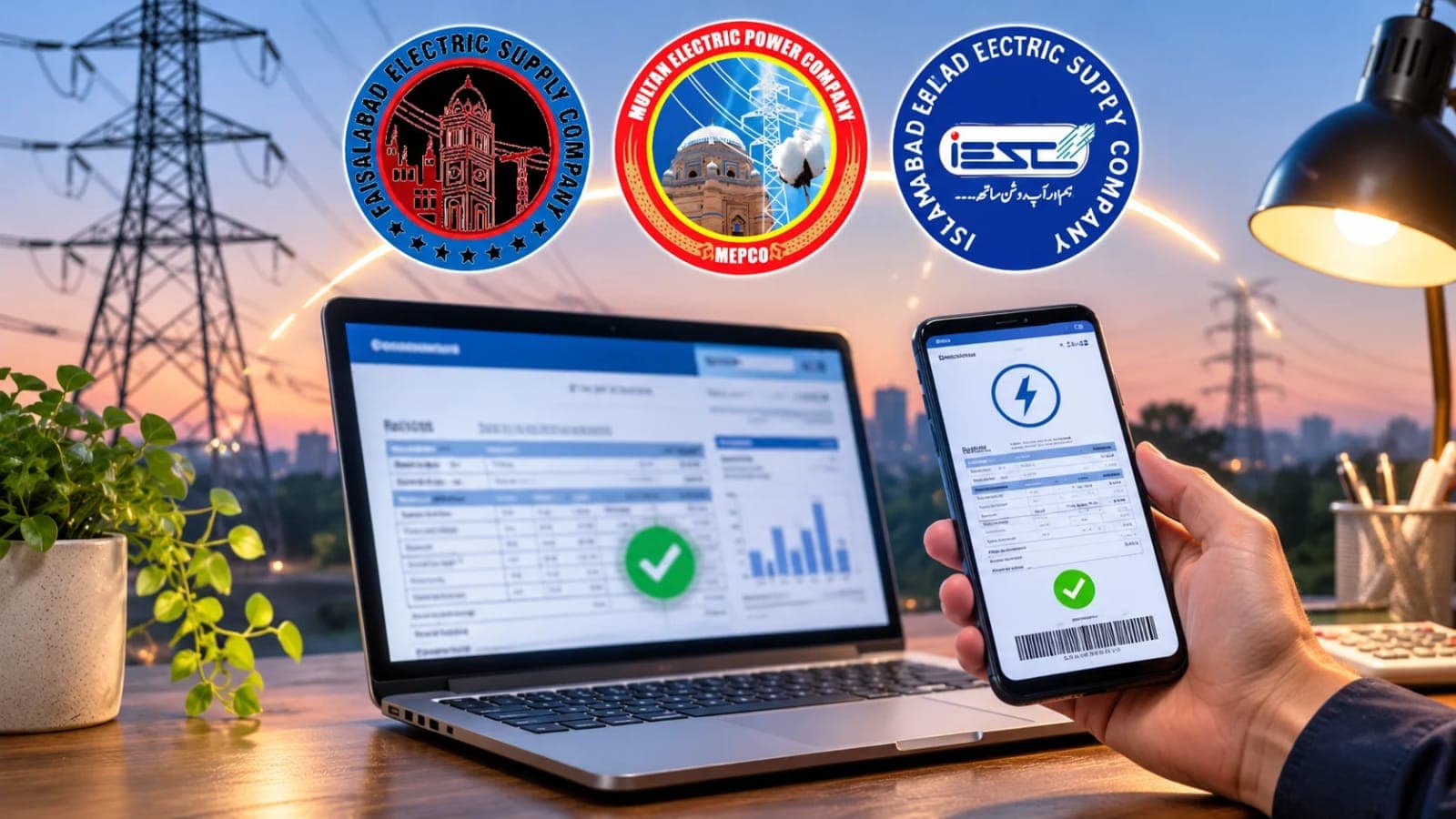
An electricity bill check takes less than a minute when you know the official page for your area. Every electricity company in Pakistan now publishes its bills through one shared official system. This guide explains the electricity bill check for FESCO, MEPCO and IESCO customers, step by step.
You do not need an account, an app or a visit to any office. You need one number from an old bill, and nothing else. The service is free, and the copy you open on screen is your duplicate bill.
A duplicate matters more often than people think. Tenants need it when the paper bill stays with the landlord. Families check bills for homes in other cities. Many people simply want the amount before the paper bill reaches the door.
The Official Pages for Your Electricity Bill Check
All three companies use the web bill system of the Power Information Technology Company, called PITC. The FESCO bill page is bill.pitc.com.pk/fescobill. The MEPCO bill page is bill.pitc.com.pk/mepcobill. The IESCO bill page is bill.pitc.com.pk/iescobill.
These are not third party addresses. FESCO's own website sends its Bill Print and Duplicate Bill visitors to the same PITC page. MEPCO's website carries a MEPCO Bill link that opens its PITC page. On the IESCO website, the Get Duplicate Bill link points to bill.pitc.com.pk as well. Bookmark your page, because every monthly electricity bill check starts there.
Electricity Bill Check: Step by Step
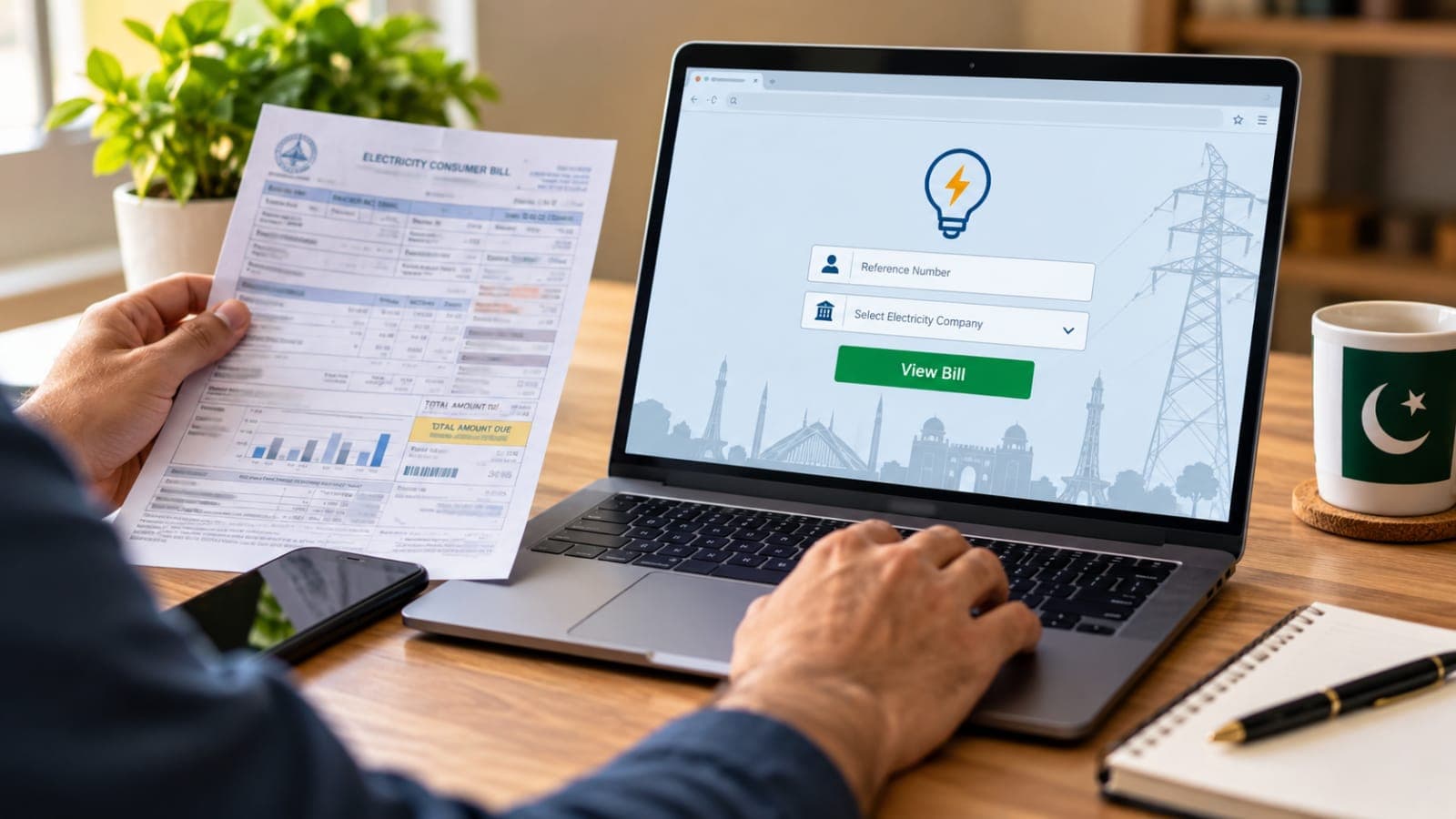
The electricity bill check itself takes under a minute once the page opens. Open your company's page from the list above. Leave the search set to Reference No. Type your 14 digit reference number with no spaces. If the page shows a small U or R choice, pick the letter that matches your printed bill. Press search, and your latest bill opens on screen.
Read the amount payable within the due date first. Then note the higher amount after the due date, which includes the late payment surcharge. Use the print option to save a paper copy or a PDF file. That printed copy works for payment like the original bill.
Lost your reference number but kept an older bill? The same page offers a Customer ID search instead. Your customer ID is the 10 digit number printed on the bill. Either number opens the same bill.
Where the Reference Number Is and What the Bill Shows
Your reference number is printed at the top of every bill. Look in the consumer details, near your name, address and meter information. Type it exactly as printed, digits only, with nothing between them. Take one photo of an old bill, and the number stays safe for every future check.
The bill on screen carries the full detail of the paper copy. It shows your name and address, the billing month and the meter readings. It lists the units you consumed and the charges built on them. Below the unit cost sit the government taxes and duties, and any fuel price adjustment for the month. You can also see whether your previous bill was paid.
FESCO, MEPCO or IESCO: Which Page Is Yours?
Picking the wrong company page is the most common electricity bill check mistake. FESCO, the Faisalabad Electric Supply Company, covers eight districts. They are Faisalabad, Sargodha, Jhang, Mianwali, Khushab, Bhakkar, Toba Tek Singh and Chiniot.
MEPCO, the Multan Electric Power Company, serves 13 districts of south Punjab. Multan, Bahawalpur, Sahiwal, Rahim Yar Khan and Dera Ghazi Khan are among its big centres. IESCO, the Islamabad Electric Supply Company, covers Islamabad and Rawalpindi. Its area also includes Attock, Jhelum and Chakwal.
You can check any connection whose number you hold. A rented house, a shop, or your parents' home in another city all work the same way. The page never asks whose name the connection carries.
Apps, SMS and Paying the Bill
MEPCO customers also have an official app, MEPCO SMART, published by PITC. MEPCO's own website links to it. IESCO's website links to the IESCO Smart App and the Power Smart app on Google Play. For FESCO customers, the official route is the web bill page linked from fesco.com.pk. Apps are a backup, not a replacement, for the official electricity bill check on the web.
Checking the bill and paying it are two separate steps. You cannot pay on the PITC page itself. Pay at any bank branch, through your mobile banking app, or with JazzCash or Easypaisa. Use the same reference number and keep the payment receipt safe.
When Your Electricity Bill Check Fails
First, count the digits you typed. A reference number with 13 or 15 digits will never work. Remove any spaces and try again, or switch to the Customer ID option. Early in the month, the new bill may simply not be posted yet. Wait a day and check again before you worry.
Still stuck? Call 118 for complaints and customer assistance. MEPCO also publishes 0800-63726 and 0319-9757789 on its website for customer contact. IESCO also takes complaints by SMS on 8118, as its own website states. One safety rule matters most. Never type your reference number into a look alike site that asks for your CNIC or charges a fee. The official check is free and asks for neither.
Can I do an electricity bill check with my CNIC?
No. The official PITC pages ask only for the 14 digit reference number or the customer ID. They offer no CNIC search, which protects your privacy. Find either number printed on any old bill.
Is the online electricity bill check free?
Yes, completely. There is no fee, no account and no registration on the official pages. You only pay the bill itself, through your bank or a mobile wallet.
My paper bill never arrived. What should I do?
Complete your electricity bill check with the reference number from any old bill. Print the copy and pay before the due date. A late paper bill does not extend your due date.
Can I check an old month's bill online?
The web page opens your latest bill, because an electricity bill check always pulls the current month first. Some pages also show a short billing and payment history. For older certified copies, visit your local subdivision office.
Can I pay the bill on the same page?
No, the PITC page only displays the bill. Pay through your bank app, JazzCash, Easypaisa or any bank branch, using the same reference number.
Which number should I use, reference number or customer ID?
Either one works on the official page. The reference number has 14 digits and the customer ID has 10 digits. Both are printed at the top of your bill.
What happens next for electricity
We will keep this page updated as the story develops rather than publishing a near-duplicate at a new address. Follow Electricity for related coverage.
Get the Verified Brief
One email each morning with the stories we checked overnight.
Spotted an error? Read our corrections policy and tell the newsroom.