

WhatsApp Photo Sharing Gets Faster With New Recent Media Update
WhatsApp photo sharing is becoming faster with a new update that suggests your recently saved photos and videos directly inside chats.

By News Desk · Verified Pakistan News Desk
Published · Updated · 3 min read
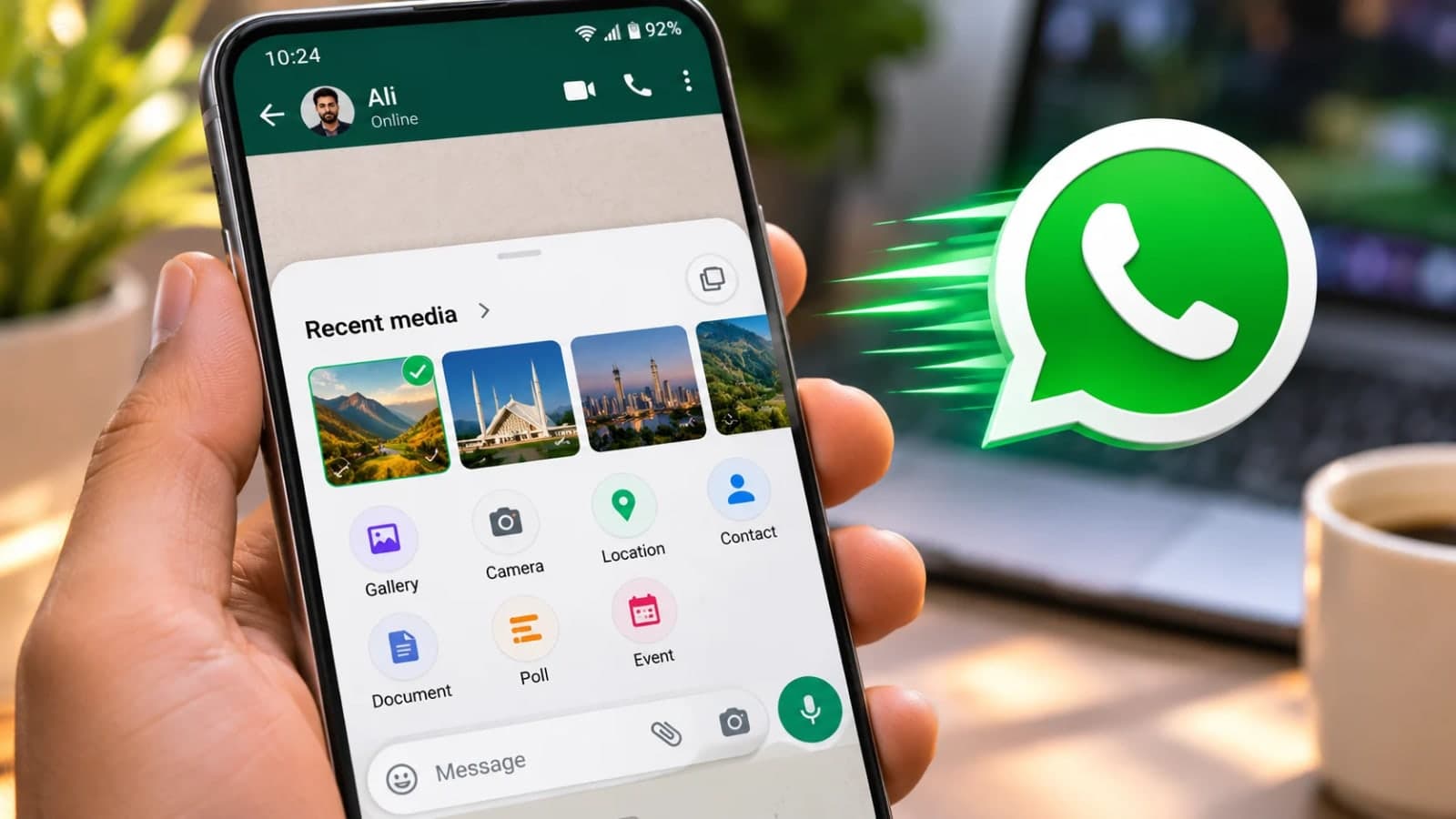
WhatsApp photo sharing is becoming faster with a new update that suggests your recently saved photos and videos directly inside chats.
The feature, called Recent Media Suggestions, lets users access their latest photos and videos without opening the gallery or searching for files manually. It is rolling out gradually to Android and iPhone users on the latest version of WhatsApp.
WhatsApp photo sharing: how it works
With the new update, WhatsApp can automatically display a user's most recent photo or video when they open a conversation.
The feature appears in two forms, though each user will only see one. In the first version, a small notification appears above the message bar, showing a thumbnail of the latest gallery item with an option to share it.
In the second version, WhatsApp temporarily replaces the camera icon beside the message bar with a thumbnail of the most recently saved photo or video.
Both options cut down the steps needed to share. Users can also ignore the suggestion and keep chatting normally, and the notification includes a close button.
Photos will not send automatically
Tapping a suggested photo or video does not send it right away. Instead, WhatsApp opens its media editor, where users can review the file, add a caption, insert stickers or make other edits before sharing.
Users can also close the editor without sending anything, which helps prevent accidental sharing.
The feature works with any recently saved gallery item, including camera photos, screenshots, downloaded images and videos saved from other apps. WhatsApp does not filter suggestions by source or file type. It simply picks the most recent item. For everyday WhatsApp photo sharing, the change removes several taps from the process.
How to turn it off
The feature switches on automatically once it reaches an account. Users who prefer not to see the suggestions can disable them by opening WhatsApp Settings, then Chats, then Recent media suggestions, and turning the option off.
WhatsApp is rolling the update out gradually. More accounts are expected to get it over the coming weeks, though the company has not said when the rollout will finish.
Frequently asked questions
What is WhatsApp Recent Media Suggestions? It is a new feature that makes WhatsApp photo sharing faster by showing your most recently saved photo or video directly inside a chat, so you do not have to open the gallery.
Will my photo be sent automatically if I tap it? No. Tapping a suggestion opens the media editor first, where you can review, caption or edit the file. You can also close the editor without sending anything.
How do I turn off Recent Media Suggestions? Open WhatsApp Settings, go to Chats, then Recent media suggestions, and turn the option off.
Which phones are getting the update? The feature is rolling out gradually to Android and iPhone users running the latest version of WhatsApp.
What happens next for tech
We will keep this page updated as the story develops rather than publishing a near-duplicate at a new address. Follow Tech for related coverage.
Get the Verified Brief
One email each morning with the stories we checked overnight.
Spotted an error? Read our corrections policy and tell the newsroom.