
Cybersecurity Tips for Pakistan: 12 Key Safety Rules 2026
Cybersecurity Tips for Pakistan: learn 12 practical ways to avoid phishing, account theft, malware and online scams while keeping your data safer in 2026.

By News Desk · Verified Pakistan News Desk
Published · 7 min read
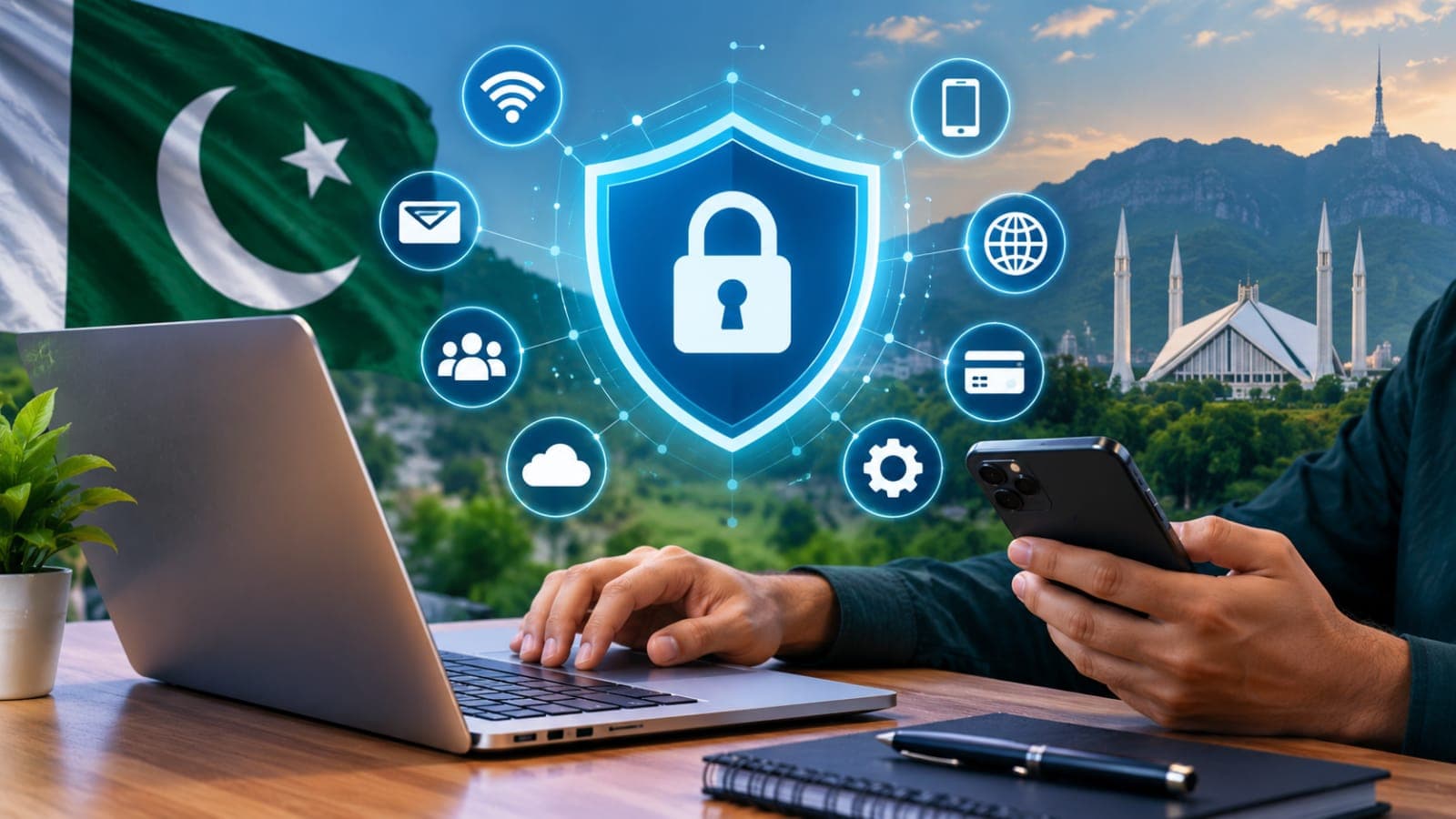
Cybersecurity Tips for Pakistan are becoming increasingly important as more of our daily lives move online. From mobile banking and WhatsApp to online shopping, social media and cloud storage, one compromised account can create a surprisingly big headache.
The good news? Staying safer online doesn't require you to be a cybersecurity expert.
Pakistan's National CERT regularly publishes security advisories covering threats such as malicious campaigns, account hijacking, phishing, malware and software vulnerabilities. That makes basic cyber hygiene worth taking seriously, whether you're a student, freelancer, business owner or simply someone who uses a smartphone every day.
Here are 12 practical habits that can make your digital life much harder for cybercriminals to exploit.
1. Use a Different Password for Every Important Account
Reusing one password everywhere may be convenient, but there's a catch.
Imagine that the password for an old shopping website is exposed in a data breach. If you've used the same password for Gmail, Facebook or another important account, criminals can try those same credentials elsewhere.
Use a unique password for every important service, especially your primary email, banking, social media and cloud-storage accounts.
Long passwords or passphrases are generally easier to make strong. A password manager can also create and store unique passwords so you don't have to remember dozens of them yourself.
2. Turn On Two-Factor or Multi-Factor Authentication
A password shouldn't be the only thing standing between a stranger and your personal information.
Multi-factor authentication, commonly called MFA or 2FA, asks for another form of verification when someone attempts to sign in. That additional check can protect an account even when its password has been stolen.
Pakistan's National CERT has recommended using passkeys or MFA for important accounts and favoring stronger authentication methods over SMS-only verification where alternatives are available.
For your most valuable accounts, use a passkey, security key or authenticator-based option when supported.
3. Think Twice Before Clicking WhatsApp and SMS Links
You've probably seen messages along the lines of:
"Your account will be blocked."
"Your parcel is waiting."
"Verify your bank account immediately."
"Congratulations! You've won a prize."
Urgency is often the bait.
Don't open a link simply because the message looks official. Instead, open the company's genuine app or manually visit its official website.
And never share a password, PIN, verification code or one-time password because someone contacts you through WhatsApp, SMS or a phone call.
Cybersecurity Tips for Pakistan: Learn to Spot Phishing
Phishing doesn't always arrive as a badly written email anymore. A convincing message may use a familiar logo, professional language and a website that looks almost identical to the real one.
Before entering your login information, check the website address carefully.
Watch for misspelled domains, unexpected attachments, strange sender addresses and requests for confidential information. Pakistan's National CERT has specifically warned about malicious domains impersonating government-related platforms and recommends strong passwords, MFA and keeping applications patched.
When something feels unusual, don't let urgency make the decision for you.
4. Never Share an OTP
Your one-time password is meant for you.
A scammer may already know your name, phone number or some account information. That doesn't make the caller genuine.
If somebody asks you to read out an OTP, authentication code or password, stop the conversation. Contact the organization yourself using its verified app, website or official customer-support number.
Treat authentication codes like the keys to your front door.
5. Keep Your Phone and Computer Updated
Those update notifications can be annoying, particularly when they appear at the worst possible moment. Still, repeatedly postponing security updates can leave known weaknesses unfixed.
Enable automatic updates where practical for your:
- smartphone operating system
- laptop or desktop computer
- web browser
- messaging apps
- banking applications
- antivirus or security software
- home Wi-Fi router
Security agencies consistently recommend keeping operating systems, applications and firmware updated because patches address known vulnerabilities.
6. Secure Your Home Wi-Fi
Your router deserves more attention than it usually gets.
If you're still using the router's default administrator password, change it. Choose a strong, unique password and use modern Wi-Fi security settings supported by your equipment.
You should also update the router's firmware when updates are available.
Avoid sharing your main Wi-Fi password widely. If your router offers a guest network, using it for visitors can help keep guest devices separate from your main network.
7. Be Careful on Public Wi-Fi
Free Wi-Fi at airports, cafés, shopping centres, universities and hotels is handy, but public networks shouldn't automatically be treated as trustworthy.
Avoid carrying out highly sensitive activity on an unfamiliar network when you have a safer alternative.
Your own mobile data connection can be preferable for activities such as accessing financial accounts. Also disable automatic Wi-Fi connection features if your phone keeps joining networks without asking you.
8. Download Apps From Trusted Sources
That "premium app for free" may end up costing much more than expected.
Modified APK files and software from random download websites can carry malicious code. A harmful application may attempt to access your messages, files, contacts or login information.
Stick to trusted app stores and official developer sources whenever possible.
Even there, check what permissions an app requests. A simple calculator, for example, probably doesn't need unrestricted access to your contacts and microphone.
9. Protect Your Banking and Wallet Accounts
Financial accounts deserve particularly strong security.
Enable transaction notifications so you can notice unexpected activity quickly. Use a unique password and the strongest additional authentication option your provider supports.
Never provide sensitive banking credentials to someone who unexpectedly calls or messages you.
If you receive a suspicious banking message, don't use the phone number or link included in that message. Open the bank's official app or use independently verified contact details instead.
10. Back Up Important Files
Cybersecurity isn't only about preventing someone from getting in. It's also about being prepared when something goes wrong.
Back up valuable documents, photographs, university work and business files.
Ideally, don't keep your only backup permanently connected to the same computer that holds the original data. Ransomware and other destructive incidents can affect accessible files and storage.
CISA's ransomware guidance recommends maintaining backups alongside MFA and timely software updates as part of reducing cyber risk.
11. Review Social Media Privacy
A public social media profile can reveal more than you realise.
Your birthday, workplace, school, family relationships, travel plans and phone number can all help scammers create more believable approaches.
Review your privacy settings from time to time and remove information that doesn't need to be public.
Also be cautious about accepting requests from people you don't actually know. A polished profile picture and hundreds of followers don't prove that an account belongs to a genuine person.
12. Know What to Do When an Account Is Compromised
If you suspect an account has been hacked, speed matters.
Start by changing the password from a device you believe is safe. Sign out of other active sessions if the service provides that option, enable MFA and review recovery email addresses, phone numbers and connected applications.
If you reused the compromised password elsewhere, change it on those accounts too.
For financial accounts, contact the relevant bank or service provider promptly if you notice suspicious activity.
For broader cybersecurity awareness and current Pakistani threat advisories, check the official National CERT of Pakistan website.
Small Habits Can Prevent Big Problems
You don't need complicated software or advanced technical knowledge to improve your online security.
Start with the basics: use unique passwords, enable MFA, install updates, question unexpected links, protect OTPs and keep backups.
Most importantly, slow down when a message tries to frighten or rush you. A few seconds spent checking a link, sender or request can save hours—or even days—of dealing with a compromised account.
These Cybersecurity Tips for Pakistan aren't about becoming paranoid about the internet. They're about building sensible habits that let you use digital services with fewer unnecessary risks.
Fact-Checking Sources
Pakistan's National CERT (PKCERT) publishes cybersecurity advisories and awareness information relevant to users and organizations in Pakistan. Its recent guidance includes recommendations concerning phishing, malware, account security, MFA and software updates.
The U.S. Cybersecurity and Infrastructure Security Agency (CISA) also recommends core security practices including strong passwords, phishing awareness, MFA, regular software updates and backups.
What happens next for tech
We will keep this page updated as the story develops rather than publishing a near-duplicate at a new address. Follow Tech for related coverage.
Get the Verified Brief
One email each morning with the stories we checked overnight.
Spotted an error? Read our corrections policy and tell the newsroom.