
How to Check HEC Application Status Online in Pakistan 2026
Check HEC Application Status online in Pakistan in 2026. Follow 5 simple steps to track your application, understand status updates, and fix issues.

By News Desk · Verified Pakistan News Desk
Published · Updated · 5 min read
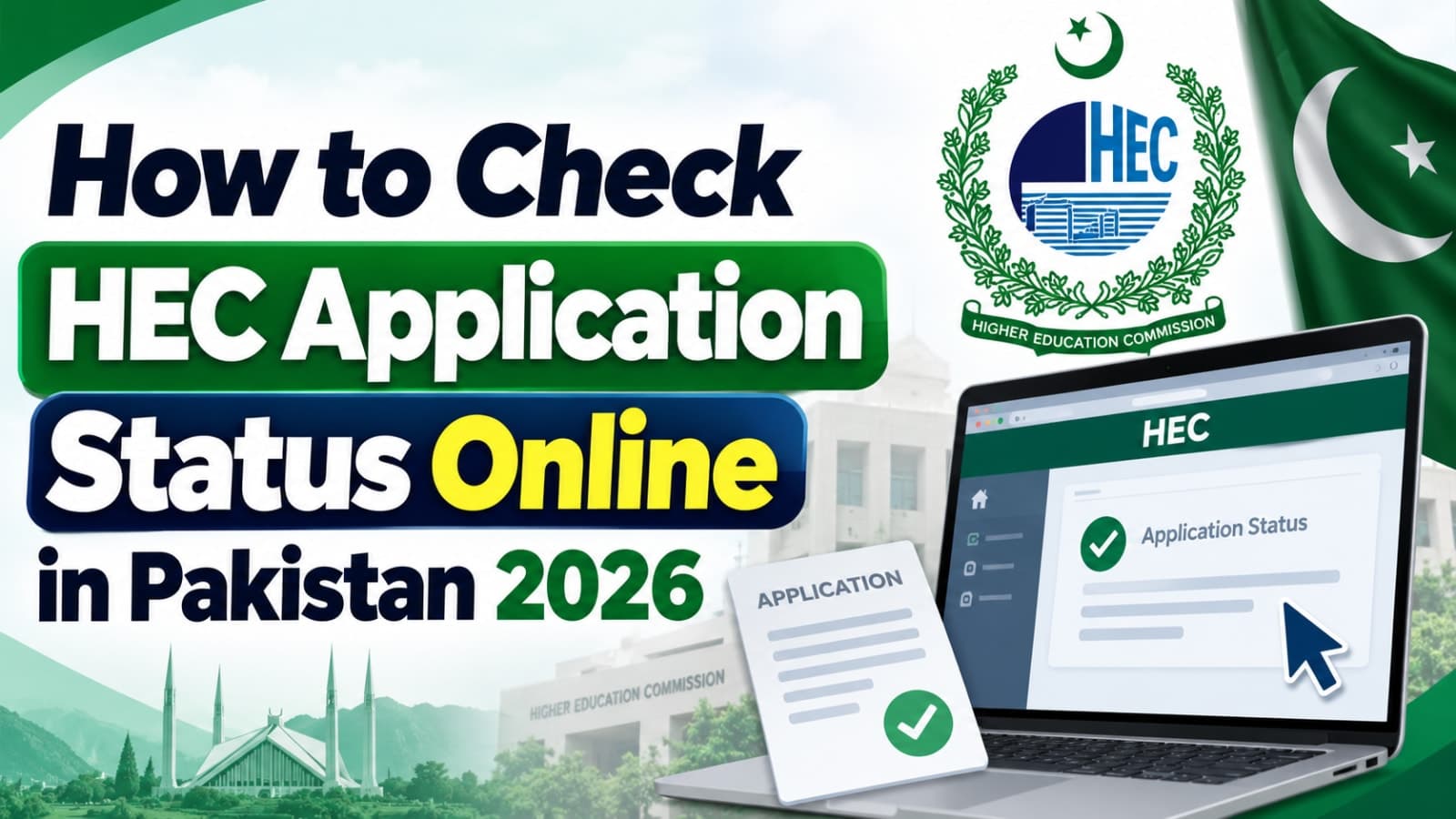
HEC Application Status 2026: Official 5-Step Guide
Checking your HEC Application Status online is a simple way to find out whether your application has been submitted, is being processed, needs revision, or has moved to the next stage.
The Higher Education Commission (HEC) provides online portals where applicants can sign in and view their application information. For degree attestation, HEC also provides online status updates through its E-Services system.
In this 2026 guide, you'll learn how to check your HEC Application Status online in Pakistan and what to do if your application isn't progressing.
How to Check HEC Application Status Online in 2026
You can check your HEC Application Status by signing in to the official HEC portal and opening your application dashboard.
Follow these 5 steps:
1. Visit the Official HEC Portal
Open the official HEC E-Services portal in your browser.
Make sure you're using the genuine HEC website. HEC has warned users about fraudulent websites pretending to be official HEC portals.
2. Sign In to Your Account
Enter your registered CNIC, Passport or POC details and your password to sign in.
If you've forgotten your password, use the password recovery option available on the portal.
3. Open Your Dashboard
After signing in, go to your dashboard.
Your submitted applications should appear under the relevant application or tracking section.
4. Find Your Application
Locate the application you want to check.
Depending on the HEC service you're using, you may see information such as your application ID, application type, submission date and current status.
5. Check Your HEC Application Status
Look at the status displayed next to your application.
For degree attestation applications, HEC says applicants can regularly check their dashboard through the Track Application option.
What Does HEC Application Status Mean?
The exact status can vary depending on the HEC service you've applied for.
For example, HEC's degree attestation guidance explains that an application may remain in saved or pending-payment mode until the required payment has been verified.
After successful submission, the application moves through HEC's review process.
HEC may also return an application if information or documents need to be corrected. In such cases, applicants should check the remarks provided by HEC, make the required changes and resubmit the application.
HEC Application Status Showing “Saved”
If your HEC Application Status shows Saved, your application may not have been formally submitted yet.
HEC's degree attestation FAQ explains that a saved application needs to be completed and submitted before it can move into processing.
Review your application carefully and make sure you've completed all required submission steps.
HEC Application Status Showing “Application Processing”
For degree attestation, Application Processing generally means the application has been submitted and received for scrutiny.
HEC reviews application details and supporting documents. Depending on the service, additional verification may also be required.
You should continue checking your dashboard for new instructions or status changes.
What If HEC Requests a Revision?
Don't ignore a revision request.
For degree attestation applications, HEC advises applicants to check the comments provided under the revision section, correct the identified deficiency and resubmit the application.
Check uploaded documents carefully before resubmitting. Blurry documents, incorrect personal information or mismatched educational details can cause problems during processing.
HEC Application Status Not Updating
If your status hasn't changed, first confirm that your application was actually submitted rather than simply saved.
For services involving online payment, also check whether the payment has been successfully verified.
If everything appears correct but you still need assistance, use HEC's official online help system rather than relying on unofficial websites or individuals claiming they can change your application status.
Important Safety Tip
Always access HEC services through official HEC websites.
HEC has issued a public warning about fraudulent websites, calls and online scams impersonating the commission. Never give your password, OTP, banking information or other sensitive details to an unofficial website or person claiming to represent HEC.
Frequently Asked Questions
Can I check HEC Application Status online?
Yes. HEC provides online portals where applicants can sign in and view the status and details of their applications.
Where can I track my HEC degree attestation application?
Sign in to the HEC E-Services portal and check your dashboard. HEC's degree attestation guidance also directs applicants to the Track Application option.
What does “Saved” mean on the HEC portal?
For degree attestation applications, a Saved status generally indicates that the application hasn't yet been formally submitted.
What does “Application Processing” mean?
It generally indicates that the submitted application has been received and is going through HEC's processing or scrutiny stage.
What should I do if HEC asks for a revision?
Read HEC's remarks, correct the identified issue, upload any required documents and resubmit the application according to the instructions shown in your account.
Final Words
Checking your HEC Application Status regularly can help you catch revision requests and other updates without unnecessary delays.
Use your official HEC account, review the status shown on your dashboard and follow any instructions provided there. Most importantly, use only official HEC portals when submitting documents or checking sensitive application information.
What happens next for national
We will keep this page updated as the story develops rather than publishing a near-duplicate at a new address. Follow National for related coverage.
Get the Verified Brief
One email each morning with the stories we checked overnight.
Spotted an error? Read our corrections policy and tell the newsroom.