

WhatsApp Warning in Pakistan: 5 Security Flaws and the Settings to Change Today
National CERT has warned WhatsApp users in Pakistan about five security flaws. Update the app, turn off auto download and follow this simple safety checklist.

By Suleman Mirza · Reporter
Published · 6 min read
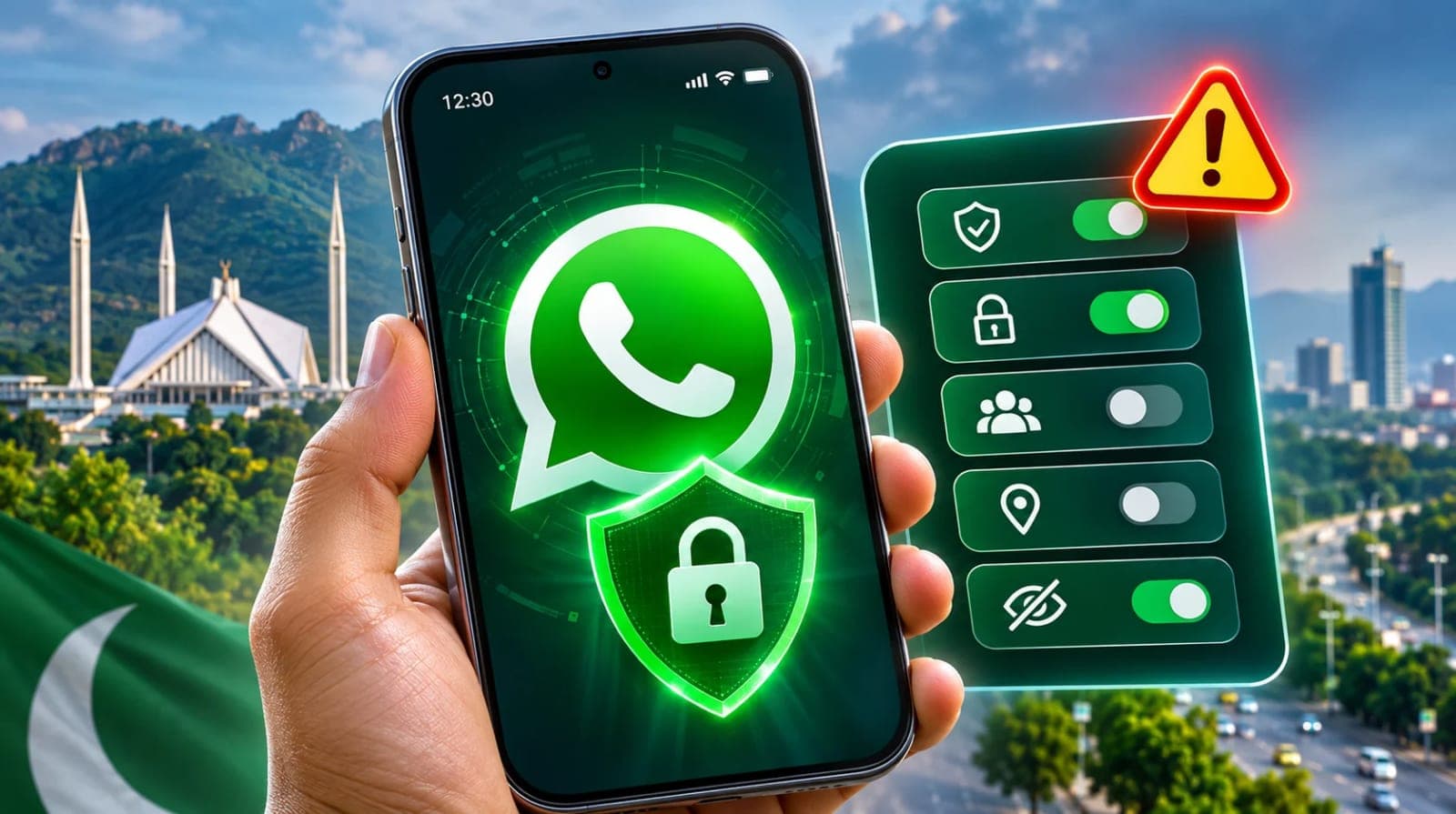
WhatsApp is where most of Pakistan actually lives online. Family groups, office work, shop orders and school notices all run through it. So when the government team that handles cyber emergencies tells everyone to update the app and change a few settings, it is worth ten minutes of your time.
On Monday, Pakistan National CERT, the National Cyber Emergency Response Team, issued an advisory about five security flaws in WhatsApp and WhatsApp Business, affecting Android, iPhone, Windows and Mac. WhatsApp fixed them in updates released in May and November 2026, so the protection already exists. You just have to be running a recent version to get it.
What could these flaws actually do?
The five problems are tracked as CVE-2026-102769, CVE-2026-44908, CVE-2026-23871, CVE-2026-23866 and CVE-2026-23863. You do not need to remember those numbers. What matters is what an attacker could do with an old app.
Depending on the flaw, a specially made message or file could delete files on your device, read a small amount of information from your chat database, reveal your device IP address, or make your phone process media and links sent by the attacker. On Windows, a harmful program could also be given a file name that makes it look like an ordinary document.
Most of these flaws need you to open a crafted message or file first. That is the good news here. Your own habits are a big part of the protection, and the steps below are the ones National CERT has asked people to follow.
First, an honest picture of the risk
Please do not panic, and do not forward alarming voice notes about this. WhatsApp has said there is no evidence that four of the five flaws were actively used against people. One, CVE-2026-23871, may have been used through certain spam messages, which is why the advisory talks so much about unknown numbers.
There is no sign of a mass attack on ordinary users in Pakistan. There is a known set of holes, a free fix, and a short list of settings that make you harder to target. That is worth acting on today, the way you would lock a door even in a safe street.
Step 1: Update WhatsApp, and only from the official store
Open the Play Store on Android or the App Store on iPhone, search for WhatsApp, and install any update waiting there. Do the same for WhatsApp Business if you run a shop through it, and update the desktop app on Windows or Mac as well, not just the phone.
Turn on automatic updates while you are there. And if your phone has a modified WhatsApp, the kind shared as an APK file with extra themes, remove it and install the official app. National CERT repeated this point for good reason. A modified app never receives these security fixes.
Step 2: Turn off automatic media download
This is the setting National CERT mentioned by name, and most people have never looked at it. By default, WhatsApp quietly downloads photos, videos, audio and documents sent to you. A bad file in a group can be sitting on your phone before you have even seen the message.
On Android, open WhatsApp Settings, tap Storage and data, and under Media auto-download set every media type to off for mobile data, Wi-Fi and roaming. On iPhone, go to Settings, then Storage and Data, and set each type to Never. After this, nothing downloads until you tap it yourself. It also saves storage and data.
Step 3: Treat strange messages like a stranger at the door
The advisory singles out messages about order details from numbers you do not know, a common pattern in Pakistan, where a message says your parcel is stuck and carries a file or link. If you were not expecting a parcel, do not open the attachment. Call the courier company on its official number if you are genuinely unsure.
Apply the same care to promotional messages and click to WhatsApp ads. A real business does not need you to download a document to see an offer. When a number keeps sending such messages, block and report it inside the chat.
Step 4: Extra care on Windows, and at work
If you open files received on WhatsApp for Windows, check the real file type before running anything, and be suspicious of a document that asks to install something. Keep your antivirus and Windows itself updated too.
For small businesses, ask whoever handles the office phones to check the WhatsApp version on every device used for customers, starting with phones that hold order histories and payment screenshots. One short check per phone closes the exact gap this warning is about.
Questions people are asking us
Has my WhatsApp already been hacked because of this? Almost certainly not. Four of the five flaws show no evidence of being used, and the fifth may have been used through specific spam messages. Update the app and follow the steps above, and you have dealt with the risk described.
I use a modded WhatsApp with extra features. Am I affected? Yes, you are in a worse position. Modified apps do not get WhatsApp security updates, so fixes like these never reach you. Back up your chats, then move to the official app.
Will turning off auto download break my groups? No. Messages arrive as normal, and media simply shows a download button. You choose what comes onto your phone.
Do I need to change anything if my app updated itself last week? Probably not. Just open your app store once to confirm no update is pending, and check the auto download setting, which updates do not change for you.
Where do I report a suspicious account or a scam message? Open the chat, tap the contact name, and use Block and Report. If money was taken, report it as a cyber crime as well.
Sources: National CERT Pakistan advisory on WhatsApp vulnerabilities, issued 23 November 2026, as reported by UrduPoint, ARY News and Dunya News on 23 November 2026. WhatsApp security advisories for the May and November 2026 updates. Facts checked on 23 November 2026.
What happens next for tech
We will keep this page updated as the story develops rather than publishing a near-duplicate at a new address. Follow Tech for related coverage.
Get the Verified Brief
One email each morning with the stories we checked overnight.
Spotted an error? Read our corrections policy and tell the newsroom.