
How to Report a WhatsApp Account Hacking Attempt in Pakistan
WhatsApp account hacking can put your privacy at risk. Learn how to report a hacked WhatsApp account in Pakistan and quickly secure your account.

By News Desk · Verified Pakistan News Desk
Published · Updated · 8 min read
WhatsApp Account Hacking Is a Growing Security Concern
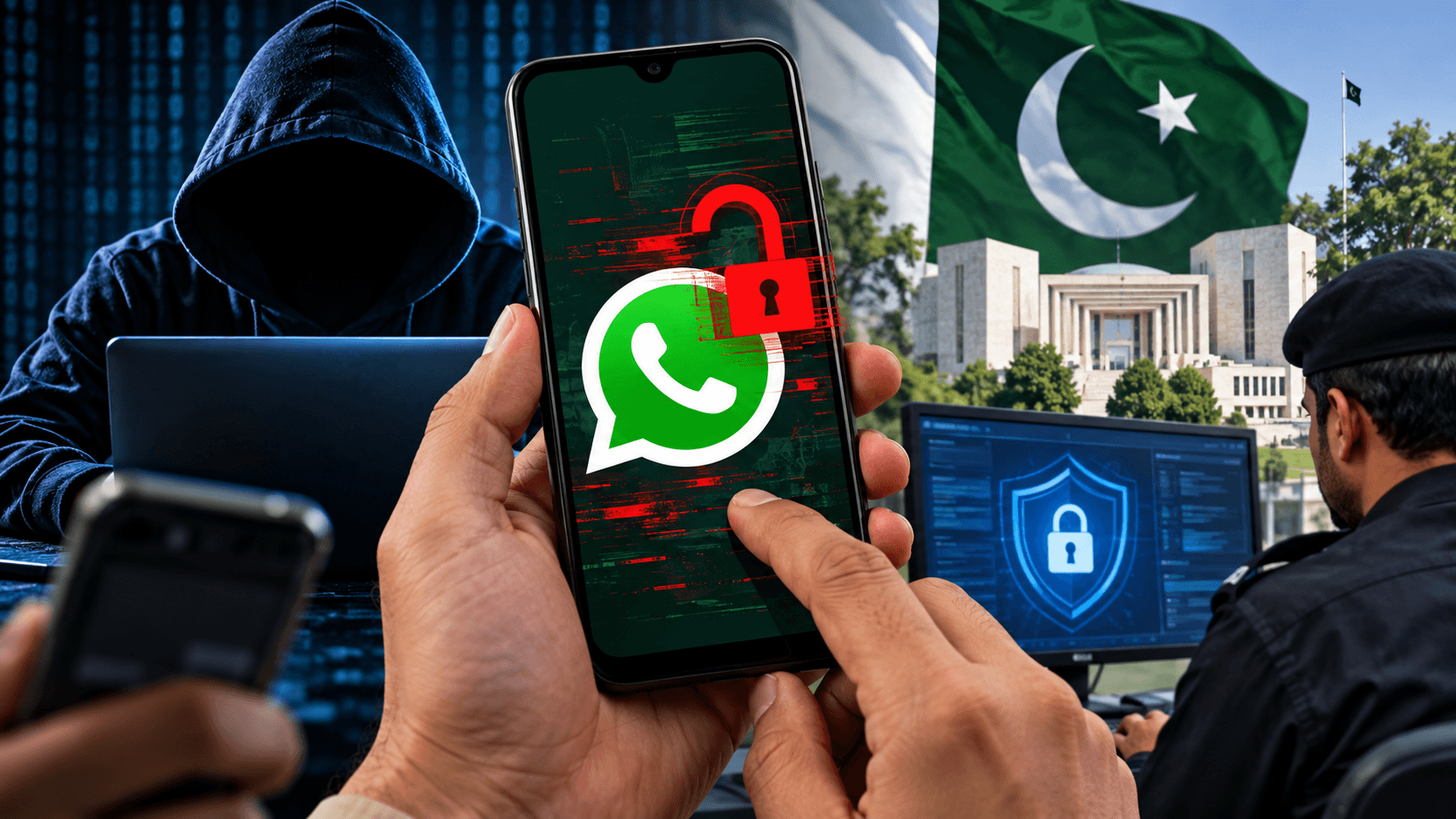
WhatsApp Account Hacking can turn from a small security scare into a serious problem within minutes. A criminal who gets unauthorized access to an account may impersonate its owner, contact relatives and friends, ask people for money, or attempt other forms of fraud.
The situation can be particularly confusing when the real owner still has access to WhatsApp. Someone may suspect unauthorized access after friends report unusual messages, money requests, strange links, or other activity they didn't initiate.
If this happens, acting quickly matters. In Pakistan, users can take steps to secure their WhatsApp account while also reporting suspected cybercrime through the appropriate government channel.
Here's what you should do.
1. Check Your WhatsApp Linked Devices
Your first step should be checking whether an unknown device has been linked to your WhatsApp account.
Open WhatsApp and go to Settings or Menu > Linked Devices. Review every device listed there.
If you see a computer, browser, phone, or other device you don't recognize, log it out immediately.
WhatsApp officially recommends regularly reviewing linked devices. Users who believe somebody has accessed their account through WhatsApp Web should remove sessions they don't recognize.
Don't assume everything is fine simply because WhatsApp is still working on your main phone. Check the linked-device section yourself.
2. Recover the WhatsApp Account If It Has Been Compromised
If someone has actually taken control of your account, WhatsApp provides an account recovery process.
Open WhatsApp and try to log back in with your phone number. You may receive a six-digit registration code through SMS or another supported verification method.
Enter that code only inside the official WhatsApp application.
According to WhatsApp's official Help Center, re-registering a compromised account with the six-digit code logs out other devices using that account.
Never send your registration code to another person.
A scammer may pretend to be a WhatsApp employee, friend, mobile company representative, or support agent and ask for the verification code. Don't share it.
3. Enable Two-Step Verification and Review Security
Once you have control of the account, strengthen its security.
WhatsApp provides two-step verification as an additional layer of account protection. Depending on the version and rollout available to you, WhatsApp may use a PIN/password and other security options.
Also make sure the email address associated with your account belongs to you and remains accessible.
Go through your account settings carefully and remove anything you don't recognize.
It's also worth securing the email account connected to WhatsApp. Change your email password if you believe it may have been compromised and enable two-factor authentication on your email account where available.
4. Warn Friends and Family Immediately
If a hacker or scammer has sent messages from your account, tell your contacts as soon as possible.
A short warning can prevent someone from losing money.
Tell people not to transfer money, share an OTP, click suspicious links, or provide personal information in response to unusual messages appearing to come from your number.
WhatsApp itself recommends notifying family and friends when an account has been compromised because an unauthorized person could impersonate the account holder in chats and groups.
If money has already been transferred, the affected person should also immediately contact the relevant bank, wallet provider, or financial institution.
5. Save Evidence Before Reporting the Incident
Don't delete everything in panic.
Screenshots and other digital evidence may become important when submitting a WhatsApp Account Hacking complaint.
Save screenshots of suspicious messages, scam payment requests, unknown numbers, transaction details, unusual notifications, and any other relevant information.
Write down approximately when the suspicious activity started.
If friends received fraudulent messages from your account, ask them to preserve screenshots showing the messages, date, time, and number involved.
The National Cyber Crime Investigation Agency (NCCIA) states that evidence copies are among the documents required when registering a cybercrime complaint.
6. Report WhatsApp Account Hacking to NCCIA in Pakistan
Pakistan now has the National Cyber Crime Investigation Agency (NCCIA) as the authorized law-enforcement agency handling cybercrime investigations under the current framework.
A victim can begin by submitting a complaint through the official NCCIA complaint portal.
The online complaint form requests information including the complainant's name, CNIC, mobile number, city, crime category, and details of the incident.
NCCIA also lists 1799 as its cybercrime helpline.
For a formal complaint, NCCIA's guidance says complainants may visit the relevant Cyber Crime Reporting Centre. Its FAQ states that a written application, CNIC copy, and evidence copy are required for complaint registration.
NCCIA has reporting locations covering different parts of Pakistan, including Islamabad, Rawalpindi, Lahore, Karachi, Peshawar, Faisalabad, Multan, Quetta and other areas.
Official Pakistan Cybercrime Resources
NCCIA Online Complaint Portal: https://complaint.nccia.gov.pk/
NCCIA Official Website: https://www.nccia.gov.pk/
NCCIA Offices: https://www.nccia.gov.pk/nccia-offices.php
Cybercrime Helpline: 1799
Users should rely on official government channels rather than giving CNIC copies, passwords, OTPs, or other sensitive information to random social media accounts claiming to provide "cybercrime recovery" services.
7. Report the Problem to WhatsApp as Well
Reporting a cybercrime to Pakistani authorities and recovering your WhatsApp account are separate steps.
For technical account recovery, follow the instructions provided by WhatsApp through its official Help Center.
WhatsApp says that if an account is compromised, users should first attempt to recover it. Re-registering the account using the verification code sent to the legitimate phone number can remove unauthorized access in account-takeover situations.
You can read WhatsApp's official recovery instructions here:
https://faq.whatsapp.com/1131652977717250
Don't trust people on Facebook, WhatsApp groups, Telegram, or other platforms who promise to "hack the hacker" or recover an account in exchange for money. Such offers can expose you to another scam.
What If Your WhatsApp Is Still Logged In but Someone Is Using It?
This situation deserves immediate attention.
Start by checking Linked Devices and removing anything unfamiliar. Then review the security settings of your WhatsApp account, email account, phone, and SIM.
If fraudulent messages are genuinely being sent from your account, preserve evidence and inform your contacts.
If necessary, re-register your WhatsApp number using the legitimate verification process. WhatsApp says successfully re-registering a compromised account with its six-digit verification code automatically logs out other devices using the account.
Never give that code to anyone.
If you suspect SIM-related fraud, unexplained loss of mobile service, or unauthorized changes to your number, contact your mobile network operator immediately as well.
What Information Should You Include in a Cybercrime Complaint?
Keep your complaint clear and factual.
Include your full name and contact information, the affected WhatsApp number, when you first noticed the suspicious activity, what the unauthorized person did, and whether anybody suffered a financial loss.
Attach relevant screenshots and supporting evidence.
If the attacker impersonated you and asked your contacts for money, clearly mention this. If somebody transferred money, preserve transaction IDs, bank or wallet information, screenshots, and relevant conversations.
Avoid exaggeration. A clear timeline supported by evidence can make the complaint easier to understand.
How to Reduce the Risk of WhatsApp Hacking
Never share WhatsApp verification codes or security credentials with another person.
Be suspicious of unexpected messages asking you to scan a QR code, provide an OTP, urgently send money, or open an unfamiliar link.
Regularly review Linked Devices and use WhatsApp's available account security features.
Protect the email account connected with WhatsApp as well. Your digital accounts are often connected, so weak security on one service can create problems elsewhere.
NCCIA also advises people to keep personal information private, use strong passwords, be cautious with suspicious links and enable additional authentication on important accounts.
Final Words
WhatsApp Account Hacking shouldn't be ignored, especially when an unauthorized person is impersonating you or attempting financial fraud.
First, secure the WhatsApp account and remove suspicious access. Warn friends and relatives if fraudulent messages have been sent in your name. Preserve screenshots and other evidence instead of immediately deleting everything.
For suspected cybercrime in Pakistan, use the official NCCIA reporting channels and provide accurate supporting evidence.
Most importantly, never share your WhatsApp registration code, password, PIN, OTP, or other security credentials with anyone claiming they need them to "fix" your account.
Fact-Checking Sources
1. WhatsApp Help Center — How to Recover a Compromised Account https://faq.whatsapp.com/1131652977717250
2. WhatsApp Help Center — Linked Devices and Unrecognized Devices https://faq.whatsapp.com/1428782138011916/
3. National Cyber Crime Investigation Agency (NCCIA) — Official Website https://www.nccia.gov.pk/
4. NCCIA — Cybercrime Complaint Registration https://complaint.nccia.gov.pk/
5. NCCIA — FAQs and Complaint Requirements https://www.nccia.gov.pk/faqs.php
What happens next for tech
We will keep this page updated as the story develops rather than publishing a near-duplicate at a new address. Follow Tech for related coverage.
Get the Verified Brief
One email each morning with the stories we checked overnight.
Spotted an error? Read our corrections policy and tell the newsroom.