
How to Report a Fake Facebook Marketplace Seller in Pakistan
Fake Facebook Marketplace seller in Pakistan? Learn how to report scams, save evidence, contact your bank and file an official NCCIA complaint safely.

By News Desk · Verified Pakistan News Desk
Published · 7 min read
Fake Facebook Marketplace Seller: 7 Key Reporting Steps
Facebook Marketplace has made buying and selling used phones, laptops, furniture, vehicles and countless other items much easier in Pakistan. Unfortunately, scammers have also found ways to take advantage of buyers.
A seller may ask you to transfer an advance payment and then disappear. Others may advertise products they don't actually have, send a completely different item, or use fake Facebook profiles to gain your trust.
If this happens, don't simply delete the conversation. Knowing how to report a fake Facebook Marketplace seller in Pakistan can help you protect yourself and may also prevent the same account from targeting other people.
How to Report a Fake Facebook Marketplace Seller in Pakistan
If you suspect that a Marketplace seller is running a scam, your first step should be to preserve the evidence.
Take screenshots of the seller's Facebook profile, Marketplace listing and your complete conversation. Save any phone numbers, WhatsApp messages, payment receipts and bank or mobile-wallet details connected with the transaction.
Don't wait until the seller blocks you. Profiles, listings and messages can disappear, making it harder to document what happened.
After saving the evidence, you can report the seller to Facebook and, if money has been stolen or serious fraud has occurred, file a cybercrime complaint with the relevant Pakistani authorities.
1. Report the Seller on Facebook Marketplace
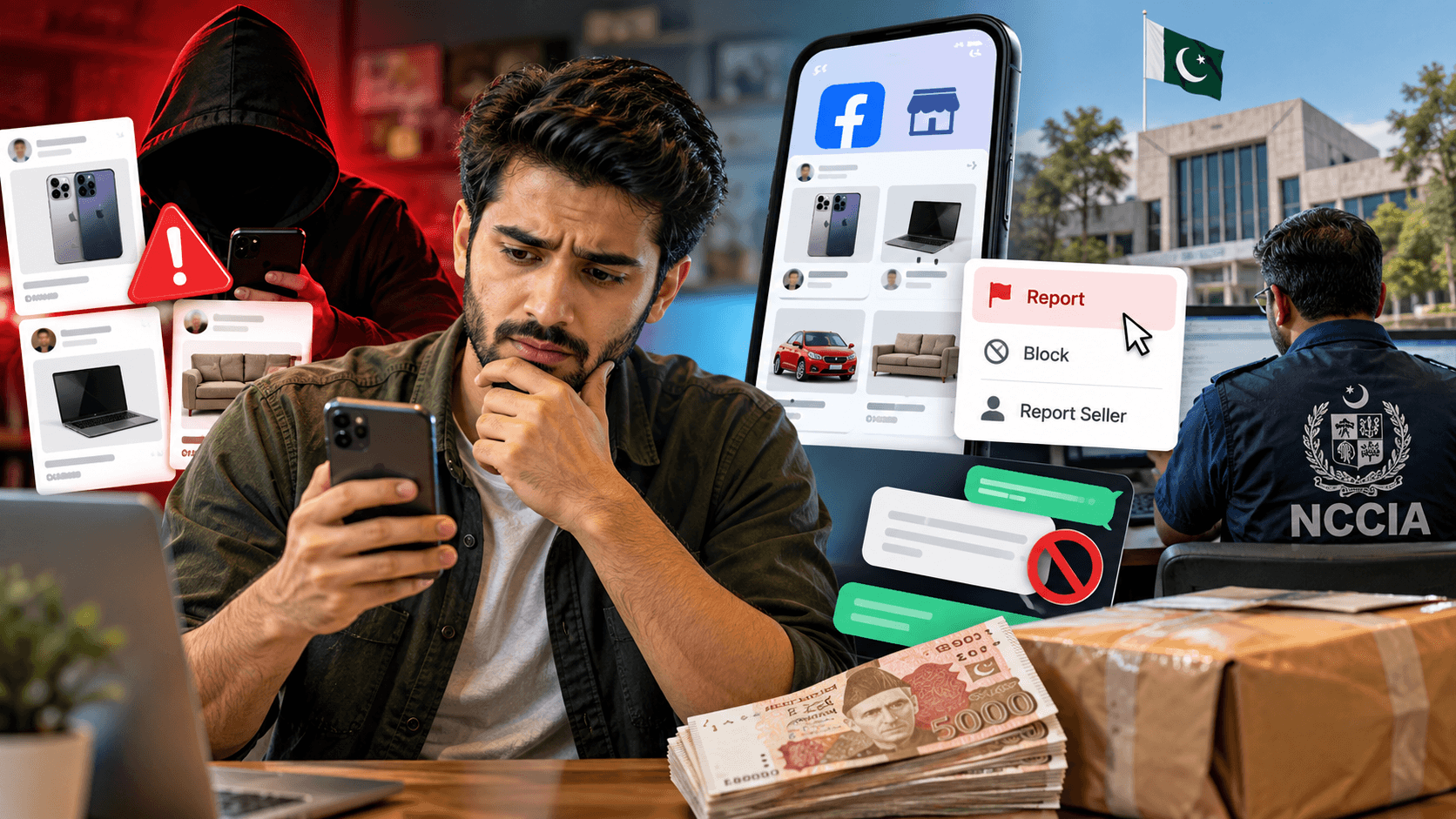
Facebook provides reporting tools for suspicious Marketplace sellers and listings.
Open Facebook Marketplace and locate the seller's listing or profile. Look for the reporting option available through the listing or seller menu and select the reason that most closely matches the problem.
For example, if you believe the listing is fraudulent, select the relevant scam or misleading-listing option when available.
Provide accurate information rather than exaggerating what happened. Facebook can review reports and take action against content or accounts that violate its policies.
Reporting the listing is particularly important because removing a fraudulent listing may stop other buyers from contacting the same seller.
2. Save All Evidence Before Blocking the Seller
It's tempting to immediately block someone after realizing you've been scammed. Before doing that, collect everything that could support your complaint.
Useful evidence can include:
- Screenshots of the Marketplace advertisement
- Seller's Facebook profile URL or name
- Messenger or WhatsApp conversations
- Seller's phone number
- Bank account or IBAN details
- Easypaisa or JazzCash number
- Transaction receipt or screenshot
- Courier receipt or tracking information
- Photos or videos of the product received
- Date and approximate time of the transaction
Keep the original files where possible.
If you later submit a formal cybercrime complaint, having organized evidence can make it much easier to explain exactly what happened.
3. Report Financial Fraud to Your Bank or Wallet Provider
If you've already transferred money, contact the bank or mobile-wallet service used for the transaction as soon as possible.
Explain that you believe you've become the victim of an online marketplace scam. Provide the transaction ID, recipient details, amount and time of payment.
Don't assume that deleting or blocking the seller will solve the financial side of the problem.
Whether a payment can be stopped or recovered depends on the transaction and the financial institution involved. Acting quickly, however, gives you a better chance of getting appropriate guidance from your bank or payment provider.
Never share your OTP, PIN, password or complete card credentials with someone claiming they need these details to reverse the payment.
4. File a Complaint With NCCIA in Pakistan
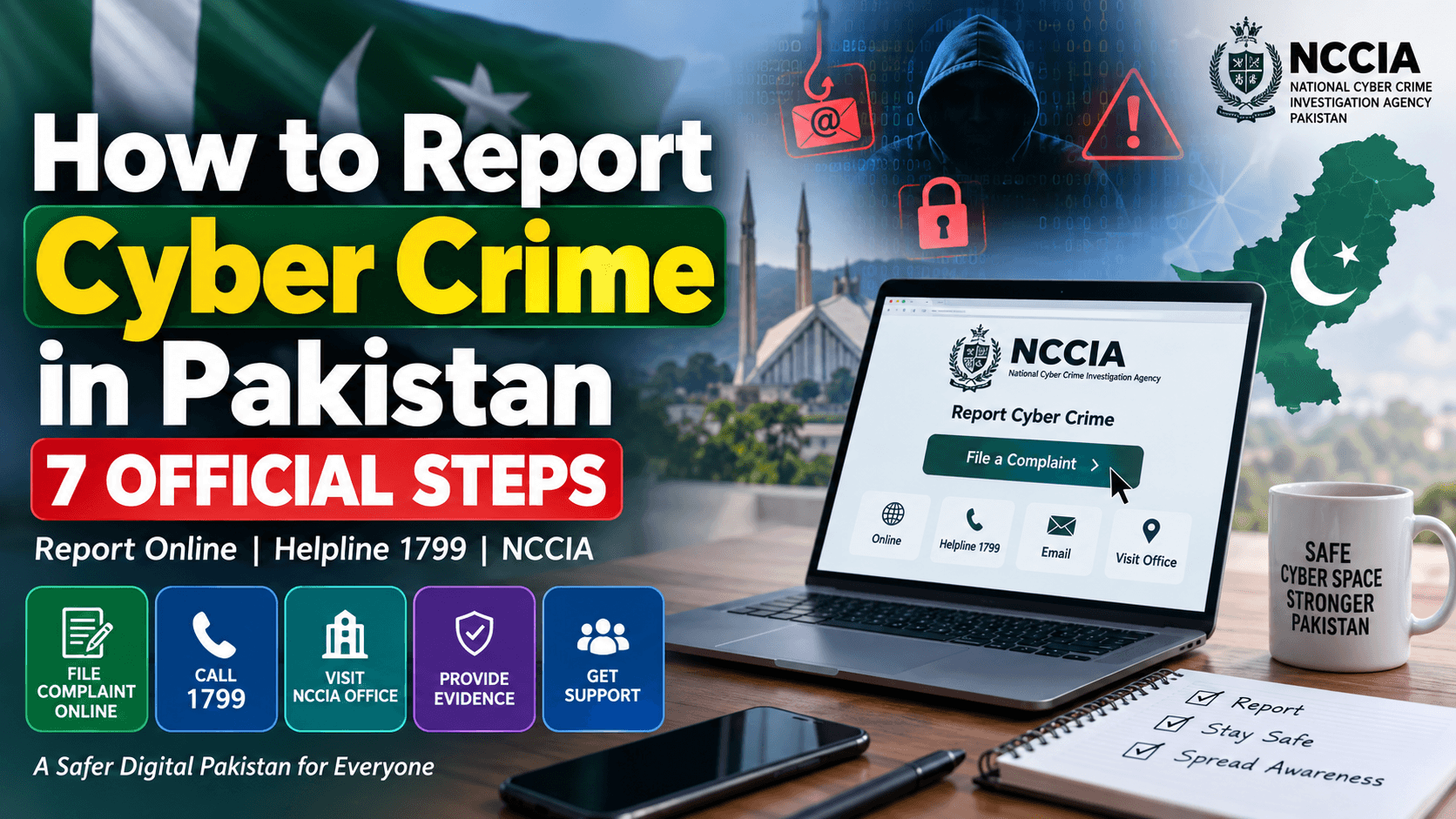
For a serious online scam, particularly where you've lost money, you can also report the matter to Pakistan's National Cyber Crime Investigation Agency (NCCIA).
NCCIA's official complaint system allows citizens to submit cybercrime complaints online. Its complaint form requests information including the complainant's name, CNIC, mobile number, city, crime category and details of the incident.
The official NCCIA helpline is 1799.
NCCIA's official FAQ also says cybercrime complaints can be submitted through its complaint form, through the Pakistan Citizen Portal, by email, or by visiting the relevant Cybercrime Reporting Centre. For a formal investigation, NCCIA directs complainants to the nearest reporting centre.
Official complaint portal:
According to NCCIA's guidance, a written application, CNIC copy and supporting evidence may be required when registering a complaint.
5. Explain the Scam Clearly in Your Complaint
A strong complaint doesn't need complicated legal language. It needs a clear timeline.
Mention when you found the Marketplace listing, what the seller promised, how much you paid, where you transferred the money and what happened afterward.
For example, explain whether the seller stopped responding, blocked you, provided fake tracking information or delivered something different from what was advertised.
Include transaction details and attach relevant screenshots whenever the complaint system allows you to do so.
Avoid making claims that you can't support. Stick to the facts and available evidence.
Common Facebook Marketplace Scam Warning Signs
Prevention is still better than trying to recover money after a scam.
Be cautious when a seller creates unnecessary pressure by claiming several other buyers are ready to pay immediately. Extremely cheap prices for expensive phones, laptops or other popular products should also make you more careful.
Another warning sign is a seller insisting on a large advance payment before allowing you to inspect the product.
NCCIA's financial-fraud guidance similarly advises people to remain cautious about offers that appear too good to be true.
Check the seller's Facebook profile where possible. A recently created profile, copied photographs, inconsistent personal details or several suspiciously cheap listings may justify extra caution.
None of these signs alone proves that someone is a scammer, but several warning signs together are a good reason to avoid sending money.
What If the Seller Has Already Blocked You?
Being blocked doesn't mean you should give up.
Use the screenshots and transaction records you saved. If you still have access to the Marketplace listing URL, profile link, phone number, bank account details or wallet number, preserve them.
If money was transferred, contact your payment provider and consider filing an NCCIA complaint.
NCCIA operates cybercrime reporting offices in different regions of Pakistan, including Islamabad, Rawalpindi, Lahore, Karachi, Peshawar and other cities. Its official website provides current office details and territorial jurisdictions.
Find an NCCIA Cybercrime Office
Can You Get Your Money Back?
There's no guarantee that money sent to a fraudulent seller will be recovered.
The outcome can depend on factors such as how the payment was made, how quickly the fraud was reported, whether the recipient account can be identified and what evidence is available.
That's why you should report the transaction promptly rather than continuing to negotiate with someone you reasonably believe has scammed you.
Keep copies of complaint numbers, emails and other correspondence related to the case.
Final Words
Learning how to report a fake Facebook Marketplace seller in Pakistan is useful for anyone who regularly buys products through social media.
Start by saving the evidence. Report the suspicious seller or listing through Facebook Marketplace. If you've transferred money, immediately contact your bank or mobile-wallet provider. For cybercrime and online financial fraud, you can also submit the matter to NCCIA through its official channels.
Most importantly, don't let an attractive price push you into making a rushed payment. Verify the seller, inspect expensive products whenever practical and be especially careful when someone demands advance payment.
A few minutes of checking can save you from a much bigger headache later.
What happens next for tech
We will keep this page updated as the story develops rather than publishing a near-duplicate at a new address. Follow Tech for related coverage.
Get the Verified Brief
One email each morning with the stories we checked overnight.
Spotted an error? Read our corrections policy and tell the newsroom.