
How to Check Your Vehicle Token Tax Online in Islamabad
Check Islamabad vehicle token tax online in 7 easy steps. Learn how to verify payment status, check outstanding dues, and pay your vehicle tax securely.

By News Desk · Verified Pakistan News Desk
Published · Updated · 7 min read
Islamabad vehicle token tax is an important responsibility for every vehicle owner registered in the federal capital. Whether you drive a car, motorcycle, or commercial vehicle, checking your token tax status helps you avoid overdue payments and unexpected problems.
The good news is that you don't always need to visit the Excise and Taxation Department to check your vehicle details. Islamabad offers digital services that make vehicle verification and tax payments more convenient.
Here's a simple guide to checking your token tax status, finding outstanding dues, and making payments through official channels.
What Is Vehicle Token Tax in Islamabad?
Vehicle token tax is a government tax collected on registered motor vehicles. The Excise and Taxation Department of Islamabad manages vehicle registration, ownership transfers, and motor vehicle tax collection.
The amount payable depends on the vehicle's applicable tax category and current government rules. Some vehicles may qualify for lifetime token tax, while others require periodic payments.
Keeping your token tax record updated is important, particularly when selling a vehicle, transferring ownership, or checking whether previous dues have been cleared.
How to Check Islamabad Vehicle Token Tax Online in 7 Easy Steps
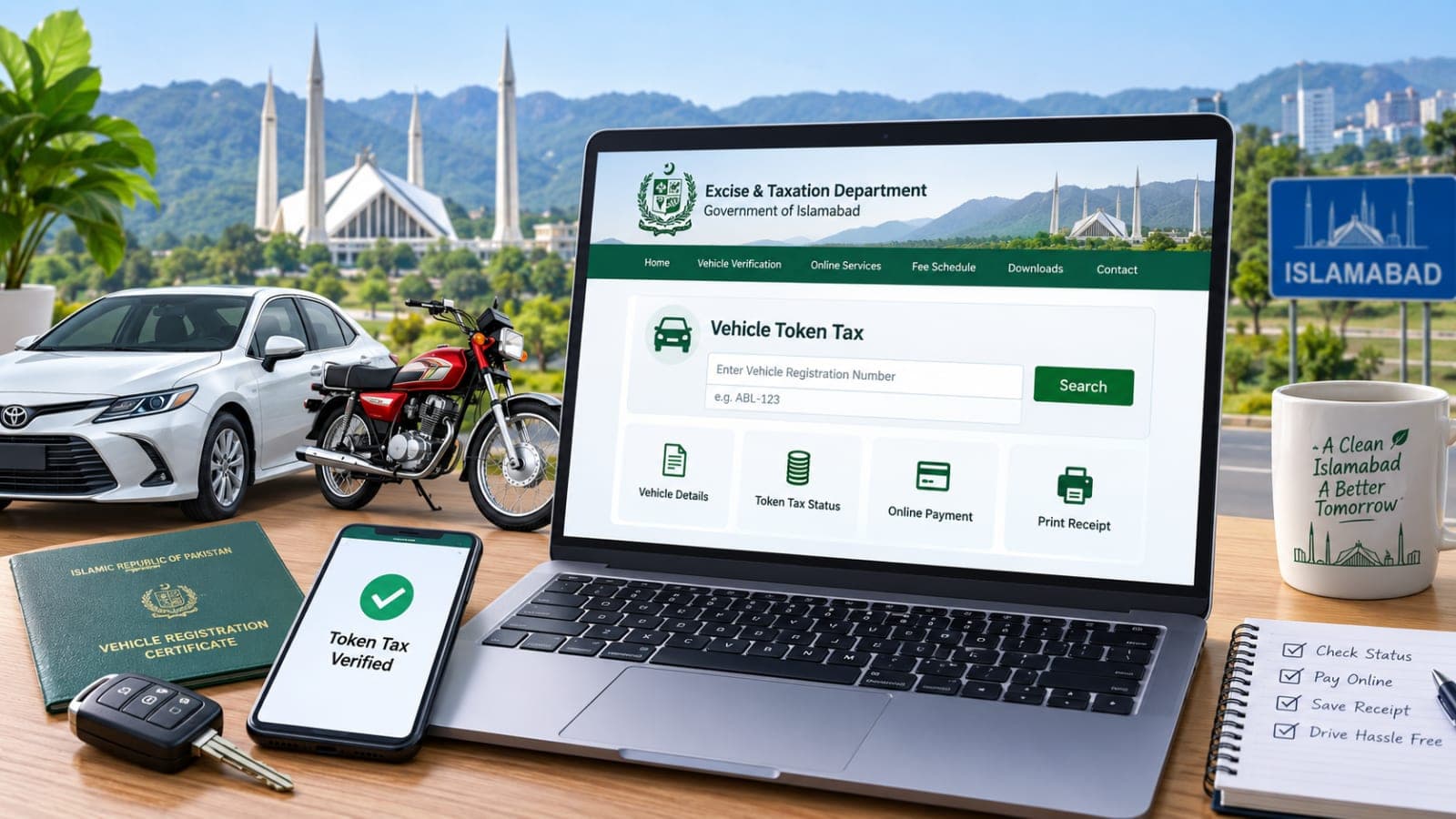
You can begin your Islamabad vehicle token tax check through the official Excise and Taxation Department website.
Step 1: Visit the Official Islamabad Excise Website
Open your browser and visit:
https://www.islamabadexcise.gov.pk/
This is the official website of the Excise and Taxation Department, Islamabad.
Avoid unofficial websites asking for unnecessary personal information or advance payments. Always check the website address before entering vehicle details.
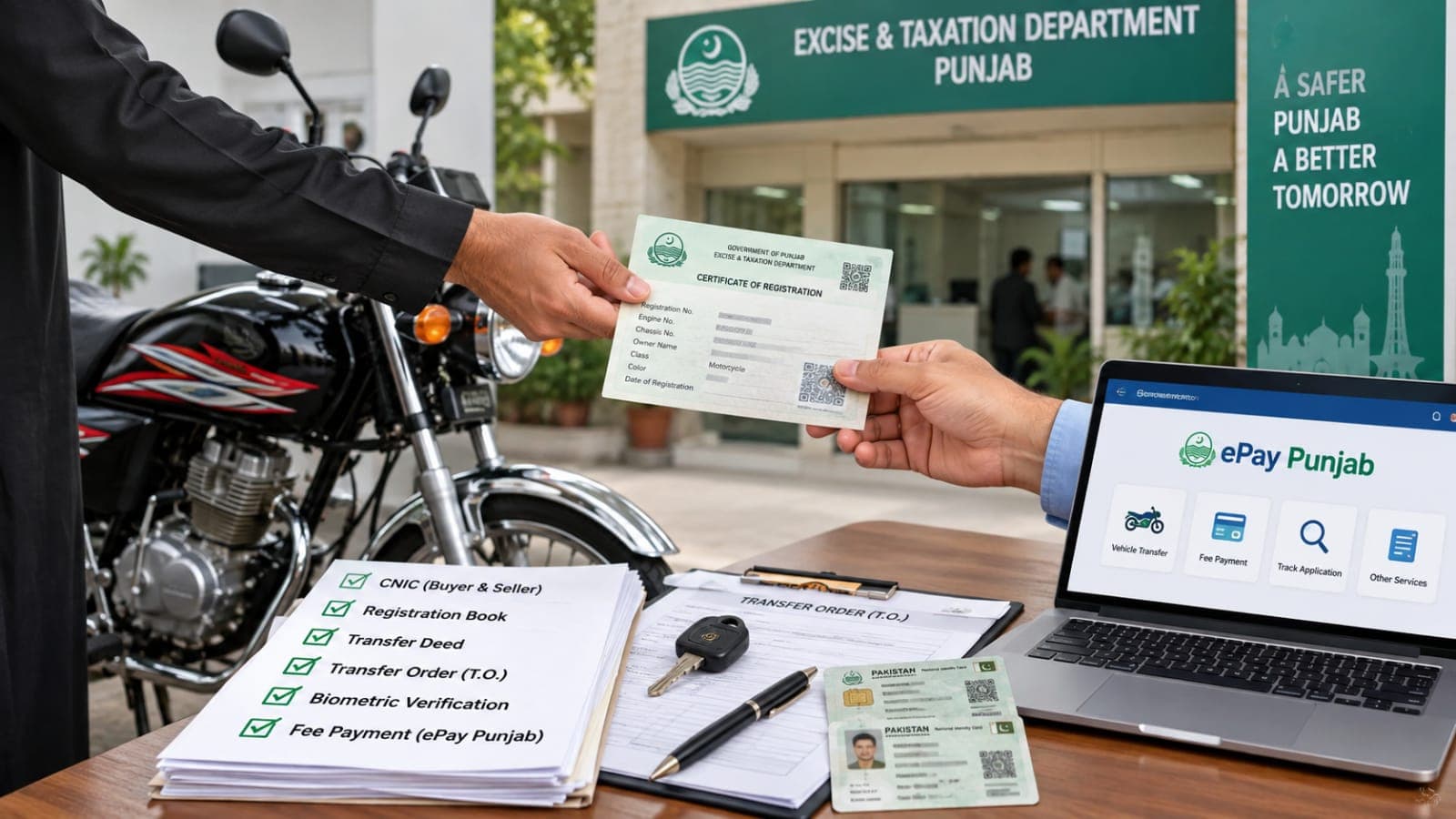
Also Read: How to Transfer a Used Motorcycle to Your Name in Punjab
Step 2: Find the Online Vehicle Services Section
On the homepage, look for the vehicle registration or online services section.
The website provides access to vehicle information, registration-related services, fee schedules, and other facilities.
Select the relevant vehicle verification or online services option to continue.
Step 3: Enter Your Vehicle Registration Number
Keep your vehicle registration number ready.
Enter the number in the format requested by the official portal. You can find it on your vehicle registration card or registration documents.
Check the number carefully before submitting your request. Even a small typing mistake can prevent the system from finding the correct record.
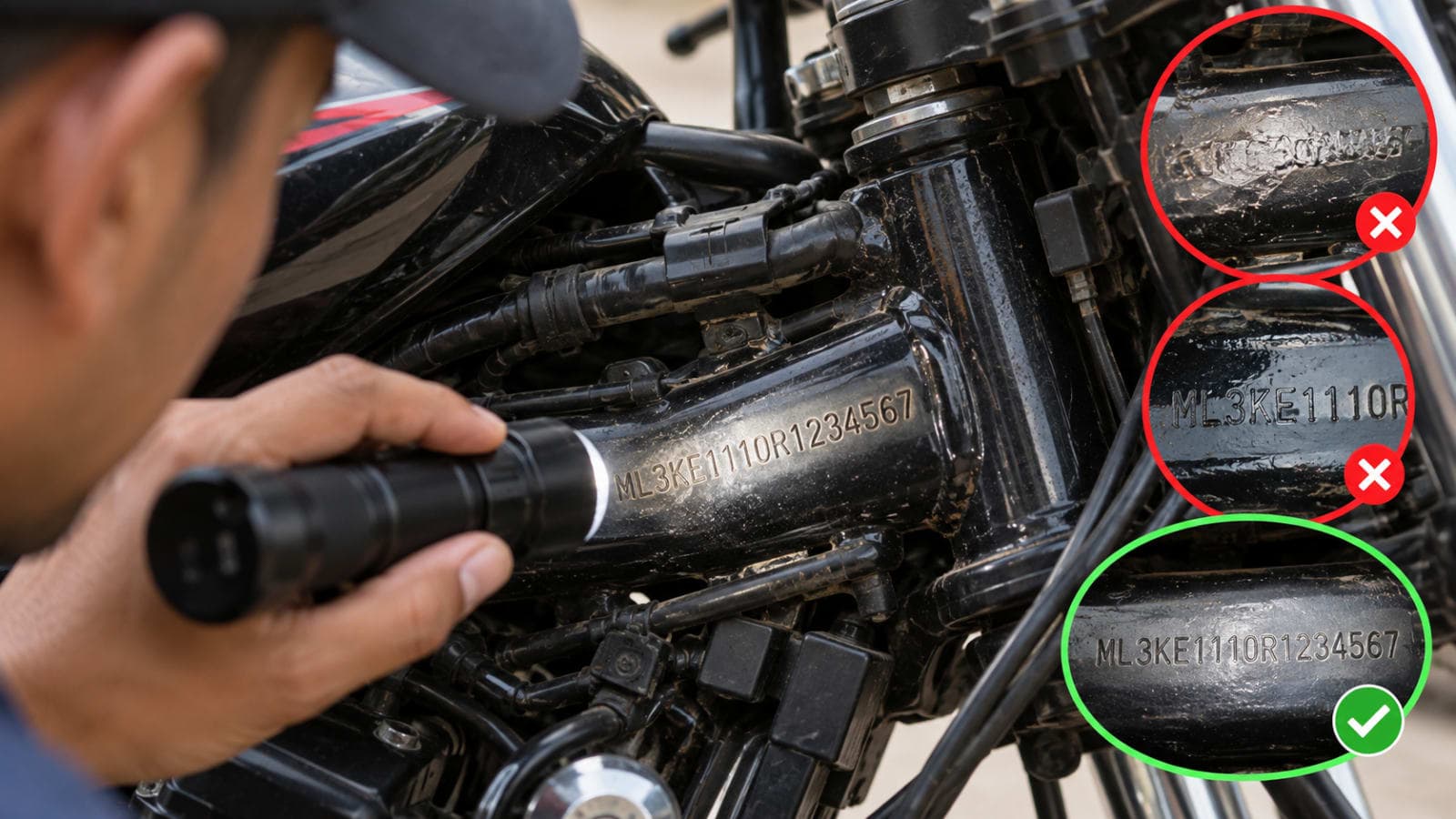
Also Read: How to Identify a Tampered Chassis Number on a Used Motorcycle
Step 4: Review Your Vehicle Details
Once the system retrieves your record, review the information displayed.
Depending on the service, you may see registration details and other available vehicle information.
Make sure the displayed information matches your vehicle. If the details appear incorrect, contact the Islamabad Excise Department before proceeding.
Step 5: Check the Token Tax Information
Look for the token tax section or the available tax-related details.
If the website doesn't display your current tax balance, use the official mobile payment service or contact the department for confirmation.
Also Read: New Cars in Pakistan 2026 – Prices, Features and Latest Models
Remember that basic vehicle verification and token tax verification aren't necessarily the same service. A vehicle record may be available online without showing its complete payment history.
Step 6: Review Any Outstanding Dues
If the official service displays unpaid token tax, check the amount and the relevant payment period.
The payable amount may vary according to your vehicle category, applicable tax rules, and any outstanding charges.
Don't rely on an old screenshot or an unofficial tax calculator when making a payment. Use the amount confirmed through the official system.
Step 7: Save Your Verification Details
Once you've checked your vehicle's tax information, keep a copy of the relevant details for your records.
If you've already paid, save your official payment receipt or transaction reference.
These records can be useful if a payment takes time to appear in the system or you need to clarify a discrepancy with the department.
How to Pay Islamabad Vehicle Token Tax Online
Checking your tax status is only the first step. If your vehicle has outstanding dues, you can use the payment options currently supported by the Islamabad authorities.
The Islamabad Excise website advises vehicle owners to use the PAK APP mobile application for online token tax payments.
Visit the official Excise website for the latest payment instructions and follow the application link provided by the department.
After opening the authorized application, follow the available instructions to identify your vehicle, review the payable amount, and complete the payment through the supported method.
Where a payment slip or reference number is generated, use it only through the authorized payment channel.
Once your payment is successful, save the receipt and check your tax status again after the transaction has been processed.
Can You Use the City Islamabad App?
The City Islamabad App has previously provided vehicle registration and token tax payment services.
ICT Administration's official website describes the app as a government service platform offering online tax payments and record verification.
However, digital services and payment applications can change. The Islamabad Excise website directs vehicle owners to the PAK APP for online token tax payments.
For this reason, check the latest instructions on the official Excise website instead of relying on an outdated application guide.
How Much Is Vehicle Token Tax in Islamabad?
There's no single token tax amount that applies to every vehicle.
The payable amount depends on the applicable government tax schedule, vehicle category, and other relevant factors.
Before paying, check the current tax and fee schedules published by the Islamabad Excise Department.
You should also confirm whether your vehicle has any previous outstanding dues.
Avoid assuming that the amount paid last year will remain unchanged. Tax rates and payment requirements may be revised.
What If Your Token Tax Payment Isn't Showing?
Sometimes, a completed payment may not immediately appear in the vehicle record.
First, check your payment receipt and confirm that the transaction was successful.
Next, verify that you entered the correct vehicle registration number and payment reference.
If the payment still doesn't appear, contact the Islamabad Excise Department and provide the relevant transaction details.
Don't make a second payment simply because the system hasn't updated. Confirm the status of your first transaction before paying again.
Where to Get Help With Islamabad Token Tax
If you're unable to check your Islamabad vehicle token tax online, you can contact the Excise and Taxation Department directly.
The department is located on Service Road, Sector H-9, near the Higher Education Commission building in Islamabad.
You can also contact the department's helpdesk at 051-9265500 for assistance.
Keep your vehicle registration details and any relevant payment receipts ready when requesting help.
Frequently Asked Questions
Can I check Islamabad vehicle token tax using my registration number?
You can use your registration number to search for available vehicle information through official Islamabad Excise services. For the latest tax balance, use the authorized tax service or contact the department if the website doesn't show it.
Can I pay Islamabad vehicle token tax from home?
Yes. The Islamabad Excise Department provides an online payment option and directs vehicle owners to the PAK APP. Follow the official instructions to confirm the available payment method.
What should I do if my vehicle has unpaid token tax?
Check the outstanding amount through an official service and follow the department's current payment instructions. Save your receipt after completing the transaction.
Is online vehicle verification free?
The official website provides access to vehicle information services. Check the applicable service conditions before proceeding, as verification and paid administrative services may have different requirements.
Final Words
Checking your Islamabad vehicle token tax online can save time and help you keep your vehicle records up to date.
Start with the official Islamabad Excise website, verify your vehicle information, and use the department's current payment instructions when clearing outstanding dues.
Most importantly, keep your payment receipts safe and confirm that your tax record has been updated. A few minutes spent checking your vehicle's status today can help you avoid unnecessary complications later.
Official Sources:
Islamabad Excise and Taxation Department: https://www.islamabadexcise.gov.pk/
ICT Administration – Excise and Taxation: https://ictadministration.gov.pk/excise-taxation/
ICT Administration – City Islamabad App: https://ictadministration.gov.pk/official-mobile-phone-app/
What happens next for auto
We will keep this page updated as the story develops rather than publishing a near-duplicate at a new address. Follow Auto for related coverage.
Get the Verified Brief
One email each morning with the stories we checked overnight.
Spotted an error? Read our corrections policy and tell the newsroom.