
WhatsApp Support Changes in 2026: How to Check If Your Phone Is Affected
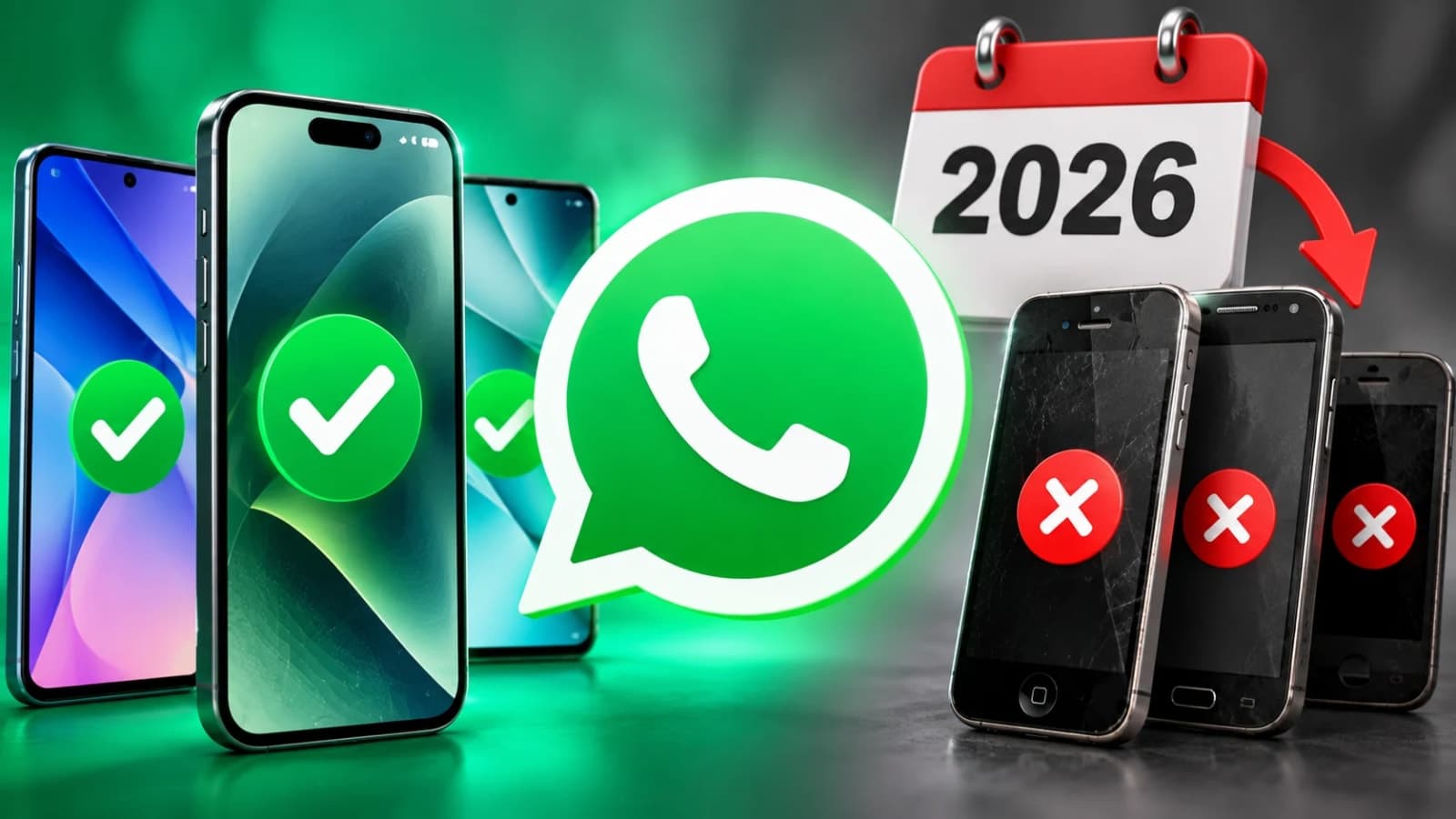
WhatsApp support changes in 2026 affect older Android phones and iPhones. Check minimum software requirements, backup options and how to keep your chats.

By News Desk · Verified Pakistan News Desk
Published · Updated · 6 min read
WhatsApp remains one of Pakistan's most widely used communication applications. Families use it to stay connected, businesses rely on it for customer conversations, and students exchange important information through group chats.
However, users with older smartphones need to pay attention to WhatsApp support changes in 2026.
The messaging platform periodically updates its minimum operating system requirements. When a phone becomes too old to meet those requirements, users may eventually lose access to new updates and the application itself.
For people who keep their smartphones for several years, this can be an unpleasant surprise.
Fortunately, checking whether a phone is affected takes only a few minutes.
What Are the WhatsApp Support Changes in 2026?
WhatsApp's published requirements currently support Android phones running Android 6.0 or newer and iPhones running iOS 15.1 or newer.
An additional change is scheduled for November 30, 2026, when the minimum supported iPhone operating system will increase to iOS 15.5.
This means an iPhone running an older version may need a software update to continue receiving WhatsApp support.
The change doesn't mean every older iPhone will immediately stop working. Compatibility depends on the operating system installed and whether the device can be updated.
For Android users, the important requirement is Android 6.0 or later.
Phones still running Android 5.0 or 5.1 fall below the currently published minimum requirement.
Users should check their actual software version rather than relying on online lists of supposedly unsupported phone models.
Why WhatsApp Stops Supporting Older Software
Smartphone technology changes constantly. New security protections, messaging features and system functions may require newer operating systems.
Older devices often stop receiving software updates from their manufacturers.
Over time, supporting those devices becomes increasingly difficult.
WhatsApp says it regularly reviews operating systems and considers factors such as their age, number of users and security capabilities.
Ending support allows developers to focus on devices that can meet current technical requirements.
How to Check Your Android Phone's WhatsApp Compatibility
Android users can check their operating system through the phone's settings.
Open Settings and look for About Phone, About Device or Software Information. The exact wording depends on the manufacturer.
Find the Android Version entry.
If the phone is running Android 6.0 or a newer version, it meets WhatsApp's currently published minimum operating system requirement.
However, meeting that requirement doesn't guarantee that every feature will work on every device.
Other factors, including hardware limitations and application availability, can still affect performance.
How to Update an Android Phone
Open Settings and locate Software Update or System Update.
Check whether a newer Android version is available.
If an update appears, connect the phone to a reliable Wi-Fi network, charge the battery and follow the manufacturer's instructions.
Some older phones cannot install newer Android versions because their manufacturers have ended software support.
In that situation, installing the latest WhatsApp version alone won't resolve an operating system compatibility problem.
How to Check Your iPhone's WhatsApp Compatibility
iPhone users can check their installed software by opening Settings, selecting General and tapping About.
The iOS Version field shows the operating system currently installed.
As of October 8, 2026, WhatsApp's published minimum is iOS 15.1.
From November 30, 2026, that requirement is scheduled to increase to iOS 15.5.
If an iPhone is running an older supported version but can install iOS 15.5 or later, updating the software may help maintain compatibility.
To check for an update, open Settings, choose General and select Software Update.
Follow the instructions displayed by Apple.
Does Every Old iPhone Need Replacement?
No. A phone's age alone doesn't determine compatibility.
Some older iPhones can run operating systems that meet WhatsApp's requirements.
Others cannot install the necessary updates.
Users should check their installed iOS version and available software updates before considering a replacement.
What Happens When WhatsApp Stops Supporting a Phone?
WhatsApp says users receive notifications before support ends for their operating system.
These reminders give people time to update their software or make alternative arrangements.
An unsupported device may eventually become unable to use WhatsApp normally.
This could interrupt personal conversations, business communication and access to important chat history.
People who use WhatsApp for work should prepare before compatibility becomes a problem.
Waiting until the application stops opening can make transferring information more difficult.
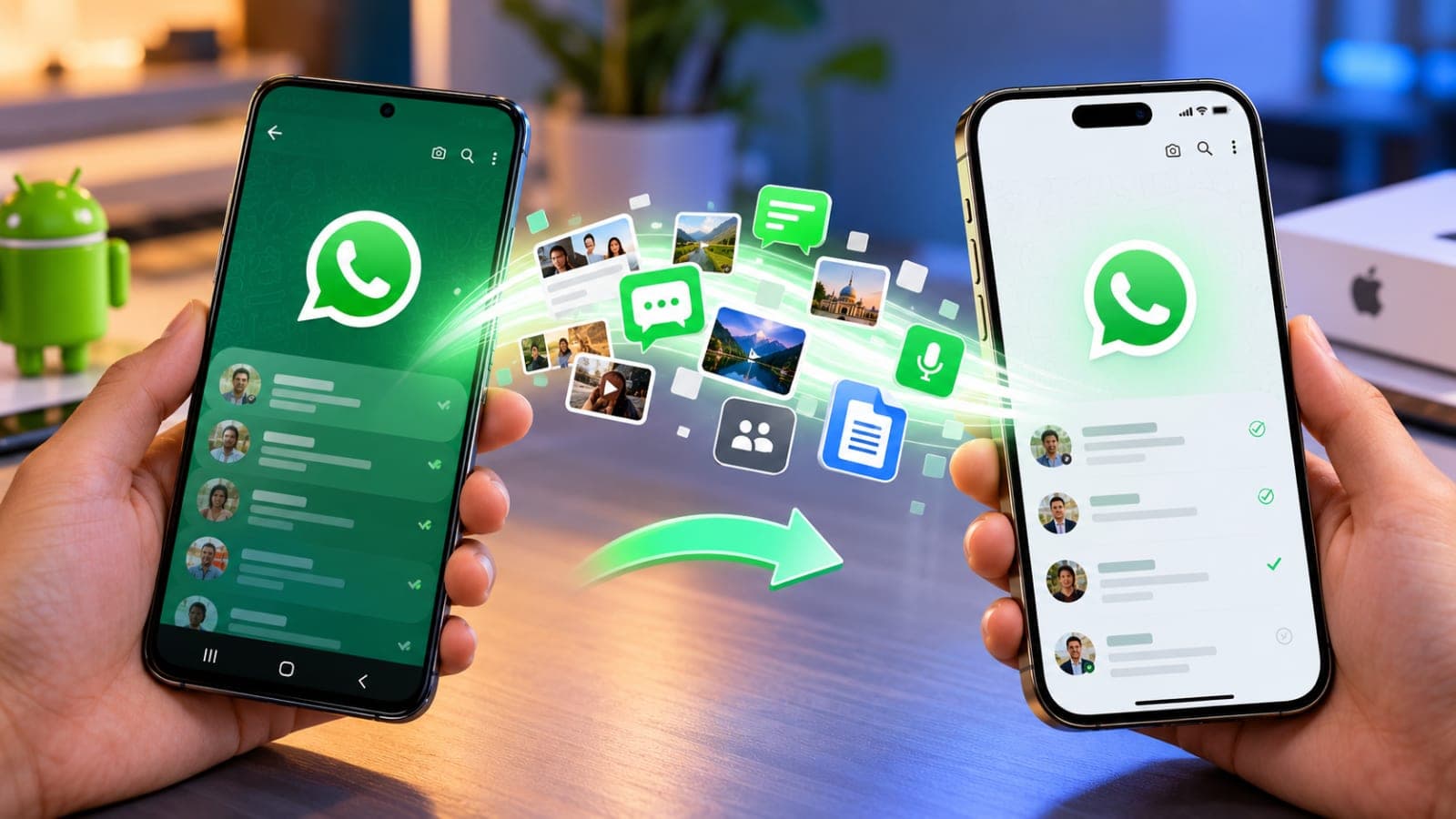
How to Back Up WhatsApp Chats Before Changing Phones
Before replacing a device, users should create a current backup of their conversations.
On Android, WhatsApp provides backup options that may include Google Account storage, depending on the device and configuration.
On iPhone, chat backups can use iCloud.
Open WhatsApp, go to Settings and locate Chats and Chat Backup.
Check when the last successful backup was completed.
Make sure sufficient storage is available and that the backup finishes before resetting or replacing the old phone.
Users should also confirm that they can access the account needed to restore their backup.
For additional privacy, WhatsApp offers end-to-end encrypted backup options.
Avoid Unofficial WhatsApp Applications
Some websites advertise modified versions of WhatsApp that claim to work on unsupported phones.
These applications can introduce privacy, security and account-related risks.
Users should install WhatsApp through legitimate application stores or official distribution channels.
Avoid downloading unknown installation files simply because they promise to bypass compatibility restrictions.
What Pakistani WhatsApp Users Should Do Now
Most people with relatively recent Android phones and iPhones won't need to take immediate action.
Nevertheless, checking the operating system is worthwhile, particularly for people using older or second-hand devices.
Business owners should ensure that important customer conversations and records are backed up.
Students should save essential documents received through chats.
Families should help relatives using older smartphones check whether updates are available.
If a phone cannot meet the minimum requirements, users can consider moving to a supported device before access is disrupted.
The most practical approach is to check compatibility early, keep software updated and maintain regular backups.
Frequently Asked Questions
1. Which Android version does WhatsApp support in October 2026?
WhatsApp currently lists Android 6.0 and newer as supported.
2. Which iOS version is required for WhatsApp?
The current minimum is iOS 15.1. From November 30, 2026, the published minimum becomes iOS 15.5.
3. Will WhatsApp stop working on every old smartphone?
No. Compatibility depends primarily on supported software and other device requirements, not simply the phone's age.
4. Can updating WhatsApp fix an unsupported Android version?
Not necessarily. If the operating system itself is unsupported, the phone may require a system update.
5. How can users protect their conversations?
Create a successful chat backup before changing devices and keep the relevant backup account accessible.
What happens next for tech
We will keep this page updated as the story develops rather than publishing a near-duplicate at a new address. Follow Tech for related coverage.
Get the Verified Brief
One email each morning with the stories we checked overnight.
Spotted an error? Read our corrections policy and tell the newsroom.